November 24, 2026
Best AI marketing studio for e-commerce brands in 2027
Compare the best AI marketing studios for e-commerce brands in 2027. Explore product content creation, campaign publishing, AI video ads, and platform features.
Jahnvi Gupta
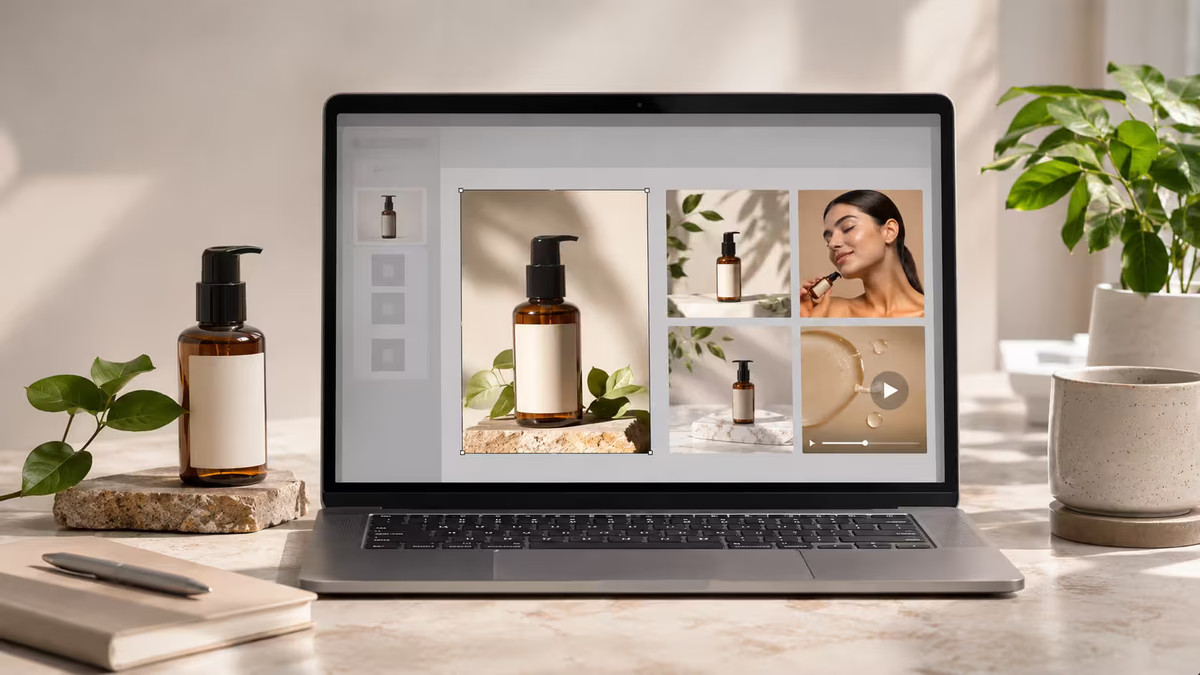
November 24, 2026
Compare the best AI marketing studios for e-commerce brands in 2027. Explore product content creation, campaign publishing, AI video ads, and platform features.
Jahnvi Gupta
When an ecommerce brand launches a product across its website, marketplaces and social channels, the product page is only the starting point. Teams also need product photos, social ads, videos, banners and creative versions for each channel. Because teams often produce these assets separately, campaigns take longer to launch and brand consistency becomes harder to maintain.
AI marketing studios bring creative production into one workflow. However, many focus mainly on generating images and videos. Fynd AI Marketing Studio goes further by connecting product content creation with campaign publishing. Teams can turn product images into marketing assets, then publish campaigns to Meta and Google. This blog compares 5 AI marketing studio options for ecommerce brands in 2027, including their features, workflows and best-fit use cases.
An AI marketing studio is a platform or service that uses artificial intelligence to create marketing content or support campaign work. Depending on the offering, teams can use it to generate product photos, social ads, videos, banners and creative variations.
The category includes different types of solutions. Some platforms generate images and videos, while others connect content creation with campaign planning, publishing or performance recommendations. An independent marketing studio can also combine AI with human-led strategy and creative production.
AI marketing studio | What it helps businesses do |
Create on-brand photoshoots, ads, videos, banners and email creatives, then publish campaigns to Meta and Google | |
Picsart AI Marketing Studio | Plan, create, test and launch ads through a connected creative and campaign workflow |
Shhots AI Marketing Studio | Generate ecommerce product photography, video ads, UGC-style content and product demos |
Higgsfield Marketing Studio | Create product shots, UGC videos, ads, marketplace images, posters and motion graphics from templates |
ImagineArt Ad Studio | Turn product links and images into video ad variations using templates, hooks and AI avatars |
The AI Marketing Studio | Get marketing strategy, creative direction and project support from an independent studio |
Fynd AI Marketing Studio turns a product image into photoshoots, Instagram ads, story creatives, video ads, display banners and email headers. Teams can add brand guidelines, including logos, colours, tone of voice and reference images. They can connect a Fynd product information management catalogue or upload product details through CSV, then review, edit, download or publish the resulting assets from one dashboard.
The platform builds on existing creative results and category trends. It analyses a brand’s top-performing creatives and applies their formats, styles and messaging to new campaigns. It also surfaces trending creative styles in the category and shows how those styles can work with the brand’s products.
Fynd AI Marketing Studio connects to Meta and Google ad accounts. Teams select creatives, and the platform configures targeting, budget allocation and scheduling before publishing the campaign. It then monitors click-through rate, cost per acquisition and return on ad spend, and recommends budget, creative and audience adjustments.
Fynd AI Marketing Studio serves ecommerce brands in fashion, electronics, nutrition, skincare, accessories and jewellery. It gives marketing teams a direct workflow from product image to branded content to live campaign.
Picsart AI Marketing Studio connects ad planning, creative generation, testing and campaign launch. Teams can start with a website or product image, create variations with different hooks, avatars and scenes, and use predictive scoring to compare ads before spending. The workflow also includes Google Ads campaign controls and reporting recommendations.
Shhots AI Marketing Studio focuses on ecommerce product photography and video ads. Teams can upload a product image or provide a product URL, then generate lifestyle images, UGC-style videos, product demos, virtual try-ons, faceless videos and cinematic creatives. The platform also creates content for social channels, website banners and product listings.
Higgsfield Marketing Studio offers templates for product shots, UGC videos, ads, marketplace images, posters and motion graphics. Teams can add a product through a link or image, select a template or format, and customise elements such as the presenter, scene and creative direction. The platform also lists editable poster layers and a library of more than 40 avatars.
ImagineArt Ad Studio turns product links, images or prompts into video ad concepts. Its workflow includes selecting an ad format and hook, customising an avatar and background, and generating multiple variations. Listed formats include UGC-style videos, unboxing, virtual try-on, product reviews, hyper-motion and ASMR.
The right AI marketing studio should match a brand’s products, campaign workflow and publishing needs. These criteria help teams compare platforms consistently.
Required content formats. Identify the assets the team needs, such as product photos, social ads, videos, banners, marketplace images or email creatives.
Product data and accuracy. Check how the studio imports product information and preserves attributes such as colours, packaging, logos, materials and product details.
Brand controls. Review how the platform applies brand guidelines, approved fonts, colour palettes, tone of voice and reference creatives.
Editing and approvals. Confirm that the team can review drafts, edit text and scenes, share feedback and approve assets before publishing.
Channel and publishing support. Match the platform’s available formats and publishing integrations to the brand’s active marketing channels.
Campaign optimisation. Ask what data the platform uses, which recommendations it provides and how the team approves changes to targeting, budgets or campaigns.
Performance measurement. Track production time, cost per creative, approval time, number of usable variations and campaign outcomes against the existing process.
Total cost and setup. Compare subscription or project fees, usage limits, onboarding, integrations, ad spend and the time required to review generated content.
Bring product images, brand guidelines and a recent campaign brief to your demo. Then ask the Fynd team to show how the platform handles your actual products and creative workflow.
Generate a campaign from a product image. Ask the team to create photoshoots, Instagram ads, story creatives, video ads, display banners and email headers. Check that each asset fits the product and channel.
Apply your brand guidelines. Add your logo, colours, tone of voice and reference images. Review whether the generated assets follow your brand identity.
Import your product catalogue. Connect your Fynd Commerce catalogue or upload a CSV. Confirm that the platform brings in the correct product titles, descriptions and images.
Use your existing creative results. Select a top-performing creative and ask the team to show how Fynd AI Marketing Studio applies its formats, style and messaging to a new campaign.
Explore category trends. Check how the platform identifies trending creative styles and applies them to your products.
Review and edit assets. Use the dashboard to edit, download and publish the generated content.
Launch a campaign. Connect your Meta or Google ad account. Review how the platform sets targeting, budgets and schedules before publishing.
Check campaign monitoring. Ask how the platform tracks click-through rate, cost per acquisition and return on ad spend, and how it recommends budget, creative and audience changes.
After the demo, run a pilot with real products and an upcoming campaign. Compare the results against your current workflow for brand consistency, asset quality, review time and campaign publishing.
Yes. AI can turn product images into campaign-ready lifestyle photos and creative variations. Fynd AI Marketing Studio uses a product image and brand guidelines to generate photoshoots, Instagram ads, videos, banners and email headers. Teams can review and edit each asset before publishing to keep product details and brand styling accurate.
Yes. Fynd AI Marketing Studio turns one product image into photoshoots, Instagram ads, story creatives, video ads, display banners and email headers. Teams can review the assets in one dashboard, then publish campaigns to Meta and Google.
Ecommerce brands can upload logos, colours, tone of voice and reference images as brand guidelines. Fynd AI Marketing Studio uses these inputs to guide its creative generation. It also analyses top-performing creatives and applies their formats, styles and messaging to new campaigns.
AI works best when it builds on accurate product imagery. Fynd AI Marketing Studio starts with a product image, then creates campaign assets in multiple formats. Teams review and edit each output to make sure the product looks accurate before it reaches shoppers.
Fynd AI Marketing Studio handles both. It connects to Meta and Google ad accounts, configures targeting, budgets and schedules, then publishes campaigns. After launch, it monitors click-through rate, cost per acquisition and return on ad spend, and recommends campaign optimisations.
Yes. Fynd AI Marketing Studio analyses a brand’s top-performing creatives and carries their formats, styles and messaging into new campaigns. It also surfaces trending creative styles in the brand’s category, helping teams build fresh assets from proven patterns and current trends.
Brands should check product colours, proportions, packaging, materials, logos and details against the actual product. Fynd AI Marketing Studio lets teams review and edit generated assets in one dashboard before publishing campaigns.
Fynd AI Marketing Studio connects product content creation with campaign publishing to Meta and Google. It also configures targeting, budgets, and schedules, then monitors campaign performance and recommends optimisations.
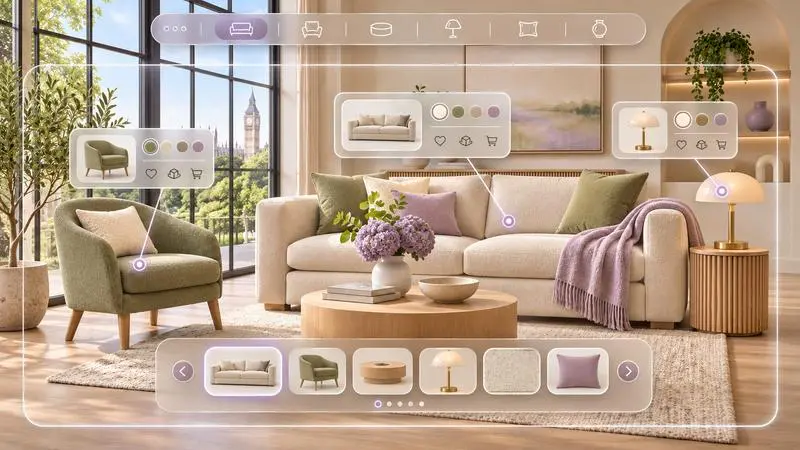
Learn what virtual showroom software does, how it differs from a 3D product viewer, what it costs and how to choose a provider and run a pilot.

Compare retail operating systems in India for 2027. Explore POS, inventory, loyalty, clienteling and endless aisle features to find the right fit for your stores.
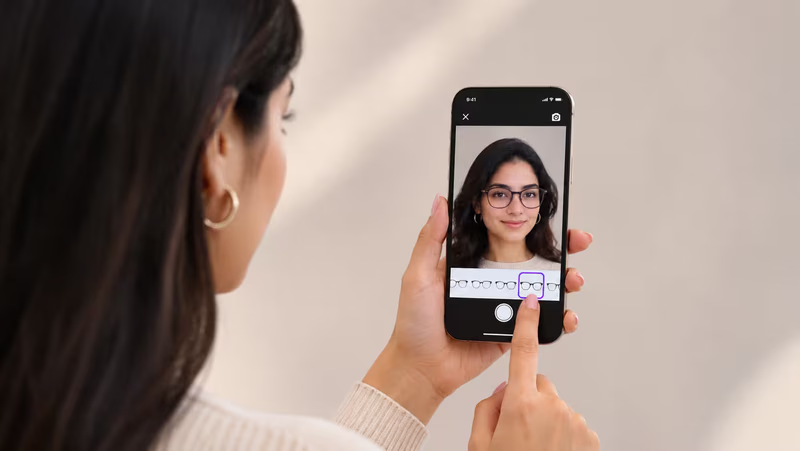
Compare virtual try-on platforms for ecommerce and retail, including Fynd GlamAR, Perfect Corp., Zakeke, Banuba, WANNA, Style.me and Kivisense.
Fill out the form
Share your contact information to get started
Speak to an expert
A member of our sales team will get in touch with you