In a tidy stock room with labelled shelves, a woman storekeeper scans a carton barcode with a handheld scanner while a colleague checks a tablet
Fynd ERP

Know exactly what you hold and where it sits

Every receipt, issue and transfer updates one stock record, so purchasing, production and finance all see the same numbers.

Inventory control from receipt to consumption

Track stock by item, location, lot and serial, and keep its value right.

Stock by location

See balances for every item across plants, stores and storage locations in one view.

Lots, serials and expiry

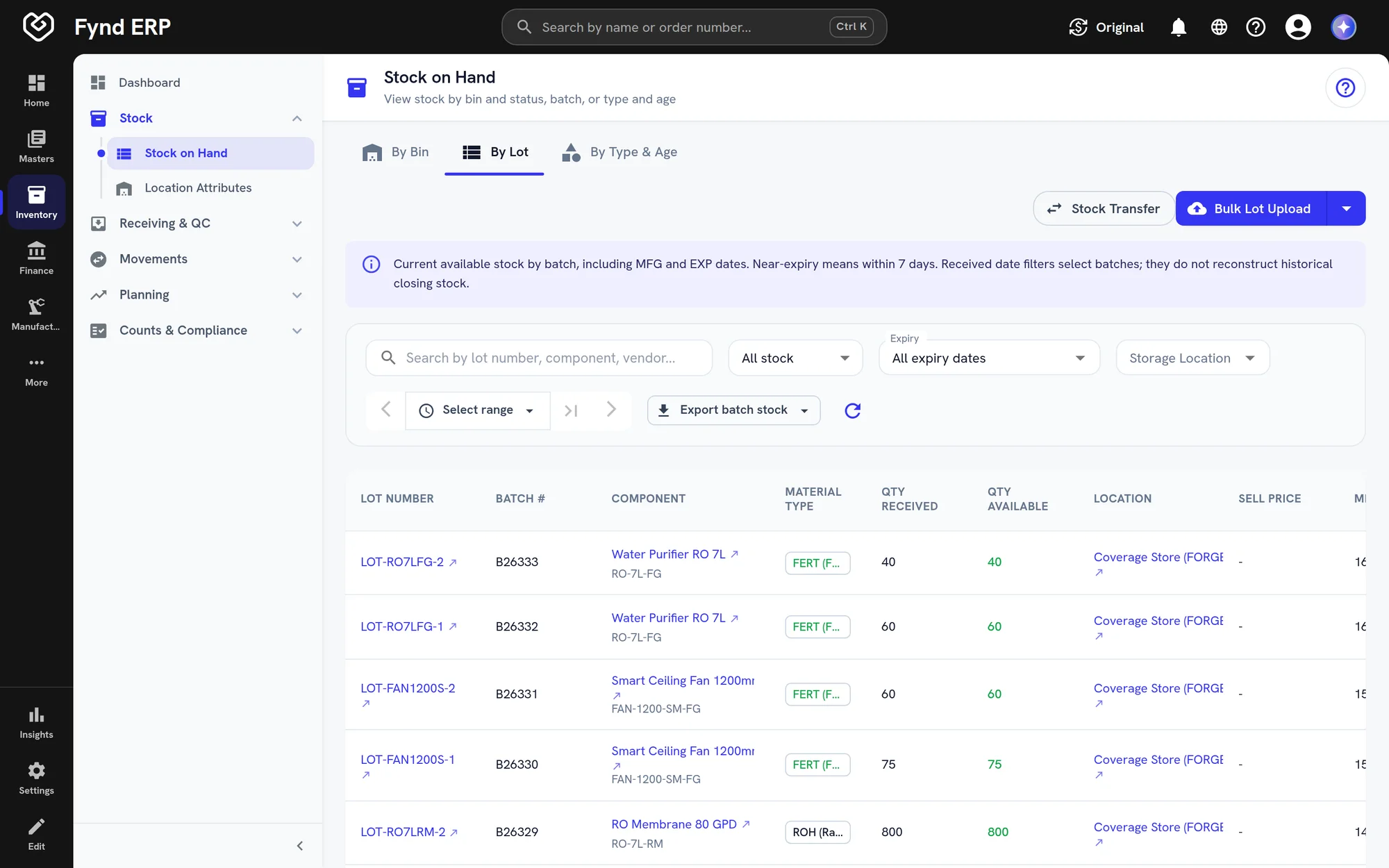
Track lots and serial numbers, and watch expiry dates on materials and finished goods.

Receipts and issues

Receive and issue stock with a full transaction history behind every balance.

Transfers

Move stock between locations and stores with checks that stop invalid moves.

Reorder levels

Set reorder points and see which items need buying before they run out.

Cycle counts

Count stock on a schedule and reconcile differences with a clear adjustment trail.

Valuation and landed cost

Value stock in cost layers and add freight and duties to the cost of what you received.

Stock on the way

See what is expected from purchase orders, shipping notices and inbound shipments.

Material traceability

Follow materials from receipt into production and finished goods, lot by lot.

Who it's for

Everyone who touches stock sees the same balances.

Stores manager

  • Stock by plant, store and location in one view
  • Transfers checked before they move
  • Reorder levels that flag what to buy

Storekeepers

  • Receive and issue against source documents
  • Lots, serials and expiry on every movement
  • Count stock and record differences

Inventory accountant

  • Stock valued in cost layers
  • Freight and duties added as landed cost
  • Movements post to the ledger on their own

Planners and buyers

  • Expected stock from orders and shipping notices
  • Available and reserved stock per item
  • Materials traced into finished goods

See the screens your stores team will use

Real screens from Fynd ERP, shown with demo data for a fictional manufacturer.
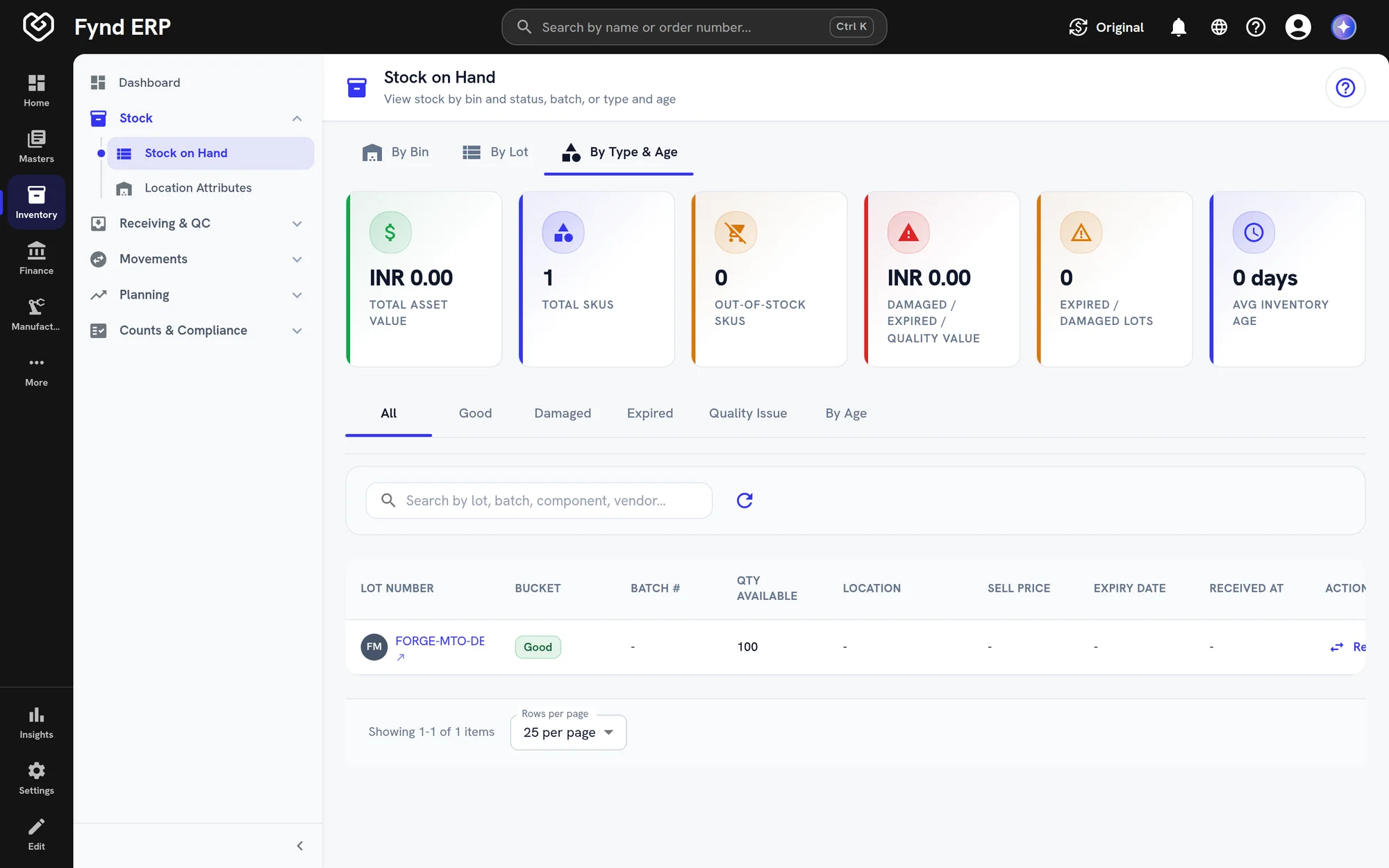
Fynd ERP stock view with items, locations and quantities

Balances by item and location, with the lots and serials behind them.

  • Filter by plant and location
  • Lot and serial detail
  • Available and reserved stock
Fynd ERP stock view with items, locations and quantities

A day in inventory

Follow one lot of raw material from the dock to the finished product. Each step updates the same stock record.

  1. Procurement

    Material is ordered

    A buyer raises a purchase order for a raw material.

  2. Inventory

    The lot is received

    Stores receive it against the order with a lot number and expiry date, and it lands in the right location.

  3. Finance and Accounting

    Its cost is set

    Freight and duties are added as landed cost, and the receipt posts to the ledger.

  4. Inventory

    It moves to the line

    A transfer moves part of the lot to the production location, with checks that stop invalid moves.

  5. Manufacturing

    Production consumes it

    A work order issues the material and adds finished goods, keeping the link to the lot.

  6. Inventory

    Stock is counted

    A cycle count checks what is left and records any difference with an adjustment.

Inventory features in detail

The parts of inventory control teams ask about most.

Batch and expiry tracking

Stock is held by lot and serial number, with manufacturing and expiry dates on materials and finished goods. You can follow any lot from receipt into production and out as finished stock.

  • Lot and serial numbers on every movement
  • Expiry dates on materials and finished goods
  • Traceability from receipt to finished goods

Cycle counting

Count stock on a schedule instead of stopping for a full count. Differences go through review and an adjustment, so every change has a reason and an owner.

  • Count plans with pending, active and closed counts
  • Variance review before stock is adjusted
  • Adjustment trail behind every balance

Stock transfers

Move stock between locations, plants and stores with checks that stop invalid moves. Each transfer keeps its source document and shows in the transaction history.
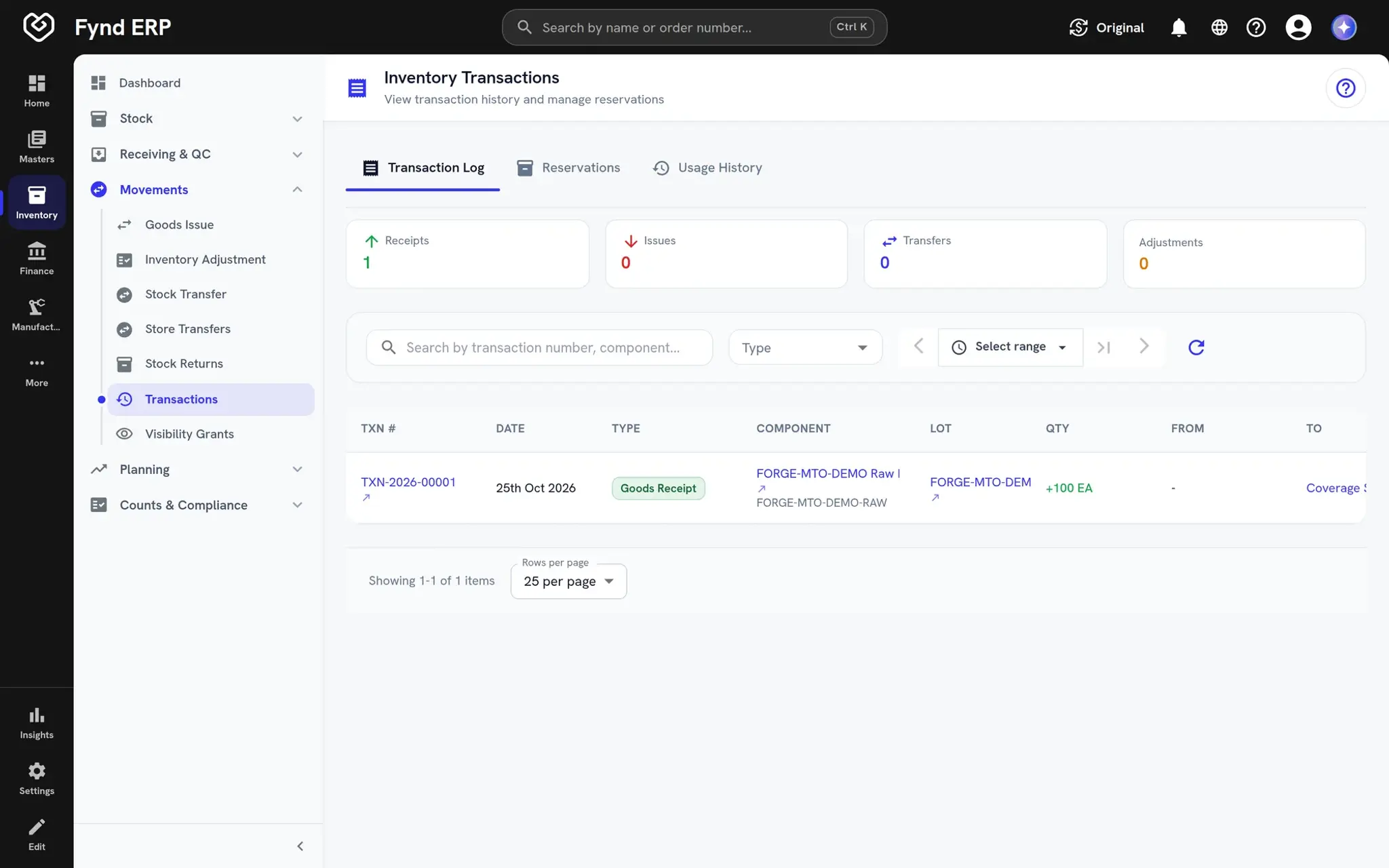
  • Store and location transfers
  • Guards against invalid moves
  • Full history on each transfer
Fynd ERP inventory transactions list

Inventory valuation and landed cost

Stock is valued in cost layers as it is received and issued. Freight and duties can be added to received goods, and every movement posts to the ledger at the right value.

  • Cost layers per item
  • Landed cost for freight and duties
  • Stock accounts mapped to the ledger

Inventory is wired to the rest of the business

Stock moves because other modules did something, and the record updates on its own.

Procurement

Goods receipts against purchase orders add stock with the right cost.

Warehouse Management

Putaway, picking and counts in the warehouse keep balances current.

Manufacturing

Work orders consume materials and add finished goods as they complete.

Finance and Accounting

Stock movements and landed costs post to the ledger with the right valuation.

Commerce and POS

Store and online orders draw on the same stock record.

Reporting

Stock, movement and valuation reports read live balances.

New

New in inventory

Recently added to this module.

  • MRP and multi-store replenishment

    Plan material needs and refill stores from demand, across the whole network.

Frequently asked questions

Stock by location, lots, serials and expiry, receipts and issues, transfers, reorder levels, cycle counts, valuation with landed cost, expected stock and material traceability.

Yes. Stock can be tracked by lot and serial number, with expiry dates on materials and finished goods.

Stock is valued in cost layers, and freight and duties can be added to received goods as landed cost.

Yes. Work orders, receipts and orders update the same stock record, so nobody posts movements twice.

Yes. Expected stock from purchase orders, shipping notices and inbound shipments is shown before it is received.