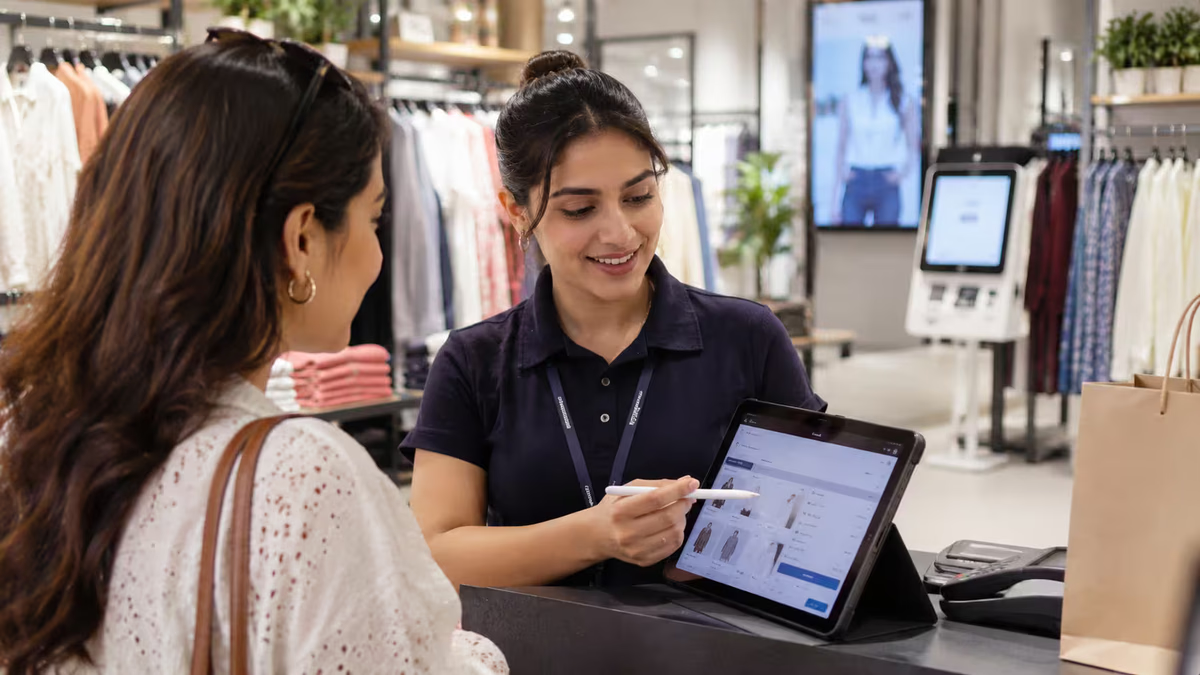
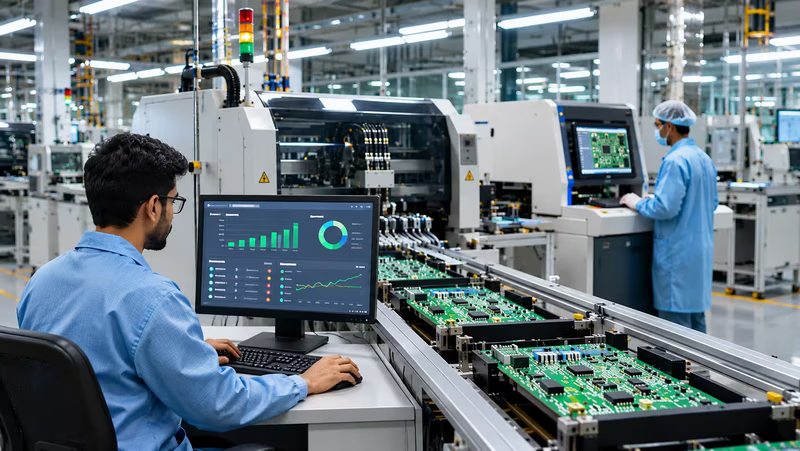
A retail operating system is a connected set of tools that helps retailers improve store operations, serve customers more effectively, and create more opportunities to sell. It brings together checkout, inventory management, customer engagement, loyalty, mobile selling and online order fulfilment. When these activities run on separate platforms, information can become siloed, making it harder for store teams to see stock availability, customer details and order status in one place. A retail operating system connects these workflows, so teams can spend less time switching between tools and more time helping customers, completing sales and fulfilling orders from the store.
For instance, imagine a customer wants a blue shirt in size medium, but the store has sold out. The associate checks stock at another store and arranges home delivery. Because the store can access inventory across locations, the customer can still buy the shirt even though it is not available on the shelf.
To help retailers choose a platform for these workflows, this article compares the best retail operating system in India in 2027 and explains the features each one offers.
What should a retail operating system do?
A retail operating system should help store teams guide customers from product discovery to purchase and fulfilment. To support that journey, it needs to connect checkout, customer service, inventory and order fulfilment.
At checkout, the POS should handle billing, payments, discounts, returns and exchanges. Mobile checkout lets customers complete sales using their mobile device, while self-checkout lets customers scan and pay for purchases themselves.
To help customers find what they need, associates should be able to view inventory across stores and warehouses. Clienteling tools can add customer details and purchase history, while loyalty features help staff apply relevant rewards and offers.
If an item is unavailable in the store, endless aisle lets the associate find it at another location and arrange an order. Reporting then helps managers review sales, inventory, and store performance.
When evaluating a platform, confirm which of these capabilities are included, which require an add-on, and which depend on another system.
Best retail operating system for retail stores in 2027
Platform | Best suited to | Top Features |
Fynd Retail Operating System | Retailers connecting in-store selling with omnichannel operations | POS, loyalty, mobile checkout, clienteling, kiosks, inventory tracking, reporting and endless aisle |
Salesforce Retail Cloud | Retailers prioritising mobile POS and customer engagement | POS, clienteling, endless aisle, inventory and omnichannel operations |
Microsoft Dynamics 365 Commerce | Retailers using Microsoft’s commerce and business systems | Transactions, assisted selling, clienteling, fulfilment, inventory management and reporting |
Oracle Retail Xstore | Retailers evaluating POS and store operations within Oracle Retail | Sales, returns, web orders, register operations, staff scheduling and reporting |
LS Central | Retailers looking for POS connected with wider retail management | POS, inventory, replenishment, loyalty, analytics and ERP integration |
Shopify POS | Retailers already using Shopify for ecommerce | In-store and online sales, inventory, customer profiles, pickup, returns and exchanges |
Ginesys One | Indian retail chains evaluating POS and ERP together | POS, billing, inventory and store operations, with POS integrated with Ginesys ERP |
GOFRUGAL | Multi-store retailers seeking centralised POS and store management | Billing, pricing, promotions, inventory, customer profiles, loyalty and reporting |
1. Fynd Retail Operating System
Fynd Retail Operating System connects all the steps involved in serving a customer in a store. For example, when a shopper asks for a product, an associate can use clienteling to view customer information and offer relevant recommendations.
Next, the associate can check whether the product is available in the store. If it is out of stock, Endless Aisle helps them find it at another store or warehouse and arrange an order. Once the shopper is ready to buy, they can pay at the POS counter, use mobile checkout, or scan and pay at a self-checkout kiosk. Staff can also apply loyalty offers or process returns and exchanges through the store’s selling tools.
After each transaction, reporting helps managers review sales, inventory, and store activity. By connecting these daily workflows, Fynd Store OS can also help retailers grow omnichannel selling across their store network. Style Baazar is one example; they used Fynd Store and witnessed a 4X growth in omnichannel store sales.
2. Salesforce Retail Cloud
Salesforce Retail Cloud combines mobile POS, clienteling, endless aisle, inventory management and omnichannel operations. It also supports journeys such as buying online and picking up or fulfilling an order in a store.
Fynd vs Salesforce
Both platforms support mobile selling, clienteling, endless aisle and inventory workflows however Fynd brings those capabilities together with loyalty, customer mobile checkout and self-checkout kiosks. For retailers who want staff-assisted selling and several checkout options in one store platform, Fynd offers the more complete fit.
3. Microsoft Dynamics 365 Commerce Store Commerce
Microsoft Store Commerce supports store transactions, customer engagement, assisted selling, clienteling, endless aisle, order fulfilment, inventory management and reporting. It is the in-store application within Dynamics 365 Commerce.
Fynd vs Microsoft Dynamics 365 Commerce
Microsoft supports a broad range of store and fulfilment workflows. Fynd’s strength is helping associates save a sale when the product is not on the shelf. They can check inventory across locations, use endless aisle to arrange an order, then complete the sale through the store’s checkout options. This makes Fynd a strong choice for retailers who want store teams to sell beyond the stock in front of them.
4. Oracle Retail Xstore
Oracle Retail Xstore handles sales, returns and web orders, along with daily store tasks such as register and till management. Store managers can also use it for scheduling, timekeeping, reporting and task tracking.
Fynd vs Oracle Retail Xstore
Oracle Xstore supports daily store operations, including register management, returns and store reporting. Fynd puts more emphasis on the customer’s path through the store: associates can use clienteling and recommendations, help customers find products across locations, and offer mobile or self-checkout. Choose Fynd when the priority is to give store teams more ways to engage shoppers and complete a sale.
5. LS Central
LS Central combines POS with inventory, replenishment, loyalty and analytics. Retailers can also add options such as mobile POS, self-checkout and ScanPayGo.
Fynd vs LS Central
LS Central brings together POS, inventory, replenishment, loyalty and analytics. Fynd focuses on extending the selling experience around the transaction. An associate can guide a shopper with clienteling, find an item through endless aisle, and complete the purchase through counter POS, mobile checkout or a kiosk. That makes Fynd a stronger fit when retailers want to connect store operations with more flexible ways to shop.
6. Shopify POS
Shopify POS connects in-store sales with Shopify ecommerce. Retailers can manage inventory, customer profiles, orders, in-store pickup, returns and exchanges across physical and online channels.
Fynd vs Shopify POS
Shopify POS connects in-store sales with a retailer’s Shopify ecommerce operation. Fynd adds more ways for store teams to assist customers in person, including clienteling and endless aisle, along with mobile checkout and self-checkout kiosks. For retailers looking to make the store an active part of product discovery and assisted selling, Fynd offers a broader set of store-focused experiences.
7. Ginesys One
Ginesys POS supports billing, inventory and store operations for retail chains, with desktop and web options integrated with Ginesys ERP. Ginesys One also includes an OMS for processing orders from ecommerce platforms and marketplaces.
Fynd vs Ginesys One
Ginesys connects POS with ERP and order management for retail operations. Fynd connects the store experience with what happens after a sale. For example, if a shopper wants an item that is not available in the store, an associate can help find it through Store OS. Fynd OMS can then manage the order, WMS can support warehouse fulfilment, and TMS can coordinate dispatch and delivery.
That connection gives Fynd an edge for retailers who want to link in-store selling with online orders and delivery. Store OS also supports clienteling, loyalty, mobile checkout and self-checkout, so the store team can help customers in more ways than billing at the counter.
8. GOFRUGAL
GOFRUGAL supports multi-store billing, pricing, promotions, inventory, customer profiles, loyalty and store reporting. Retailers can manage stock and sales across multiple outlets.
Fynd vs GOFRUGAL
GOFRUGAL helps retailers manage billing, stock and operations across multiple outlets. Fynd helps turn that store network into a way to serve more customer needs. If an item is unavailable locally, associates can find it at another location and arrange an order. Clienteling, mobile checkout and self-checkout give shoppers more ways to get help and complete the purchase.
How to choose the right retail operating system?
Retail platforms may list similar features, but they can work differently in practice. To compare them fairly, follow the same shopper journey in every demo, from product discovery and checkout to an out-of-stock item, a return and the resulting inventory updates. This will show how well each platform connects the full store experience.
Complete a sale: Scan products, apply a promotion, take payment and issue a receipt.
Process a return or exchange: Check how the system updates inventory and customer records.
Find an item at another location: Ask a store associate to locate stock outside their store and help the customer order it.
Test mobile or self-service checkout: See how staff or shoppers complete a purchase on a phone, handheld device or kiosk.
Review customer information: Check what purchase history, loyalty details and recommendations store staff can access.
Check reporting: Review the views available for store sales, inventory, staff and customer activity.
Confirm the setup: Ask which modules, integrations and devices are included for your stores.
After testing each platform against these workflows, choose the one that connects the store operations your team relies on every day. Fynd Retail Operating System brings together checkout, inventory visibility and customer engagement, with clienteling, loyalty, mobile checkout, self-checkout and endless aisle supporting the customer journey across locations. This makes Fynd a strong fit for retailers looking to connect in-store selling with omnichannel fulfilment.