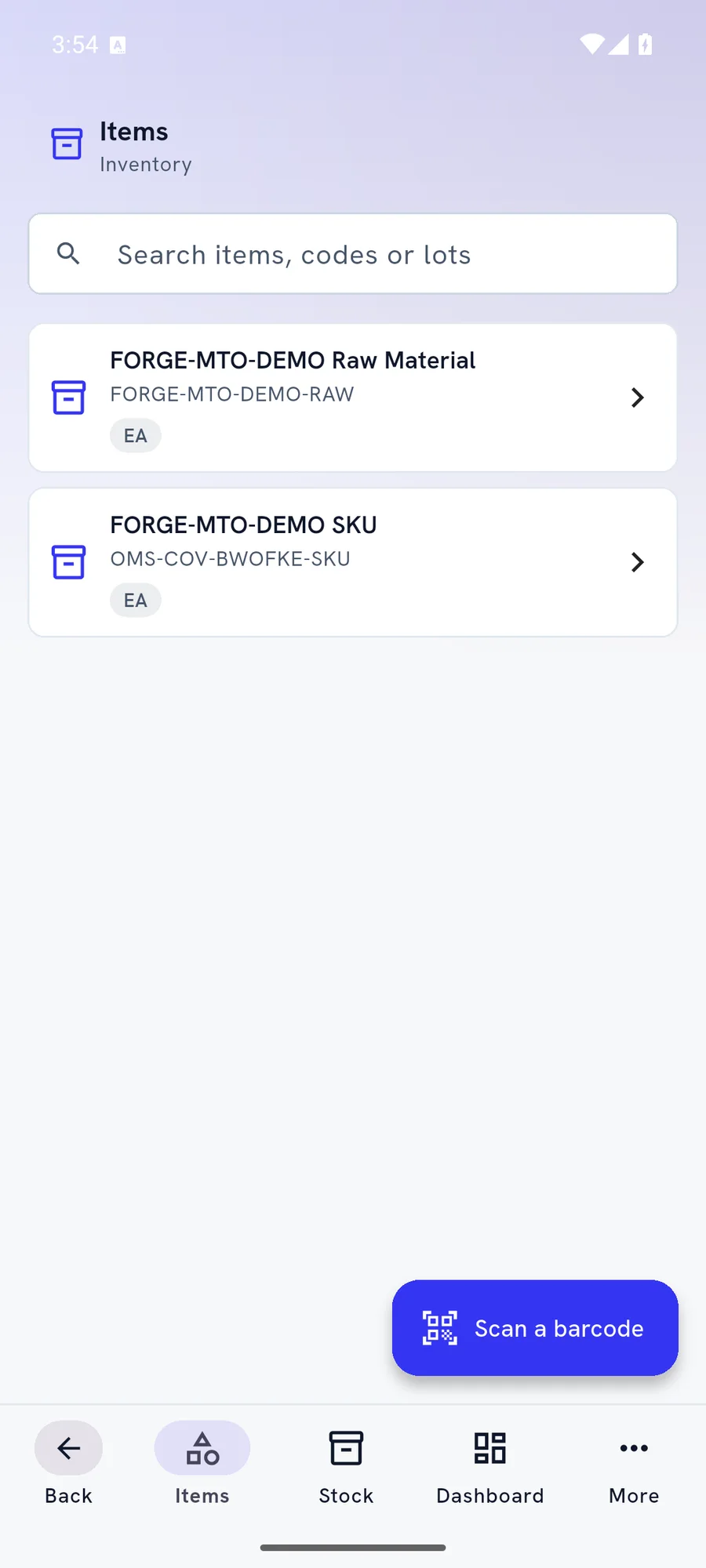
Warehouse staff
- Pick, receive, put away and count by scan
- Built-in scanners on rugged handhelds
- Bigger buttons for gloves

One app for Android and iOS. The person's role decides what opens: office work, warehouse tasks on a handheld scanner, or a rider's delivery route.
Built for phones and rugged handhelds, and it keeps working when the network does not.
People who work away from a desk get native screens for their part of the job.
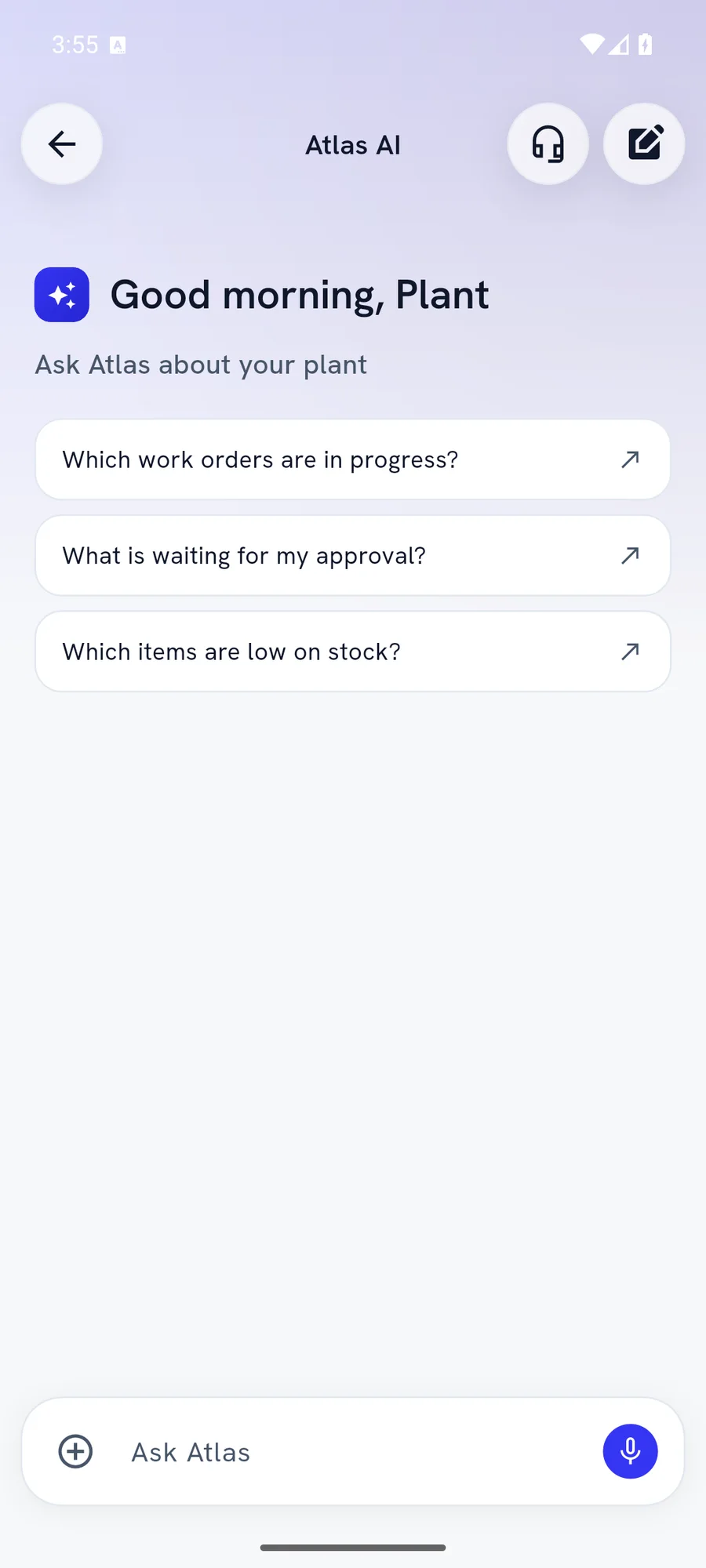
Real screens from Fynd ERP Lite on Android, shown with demo data.
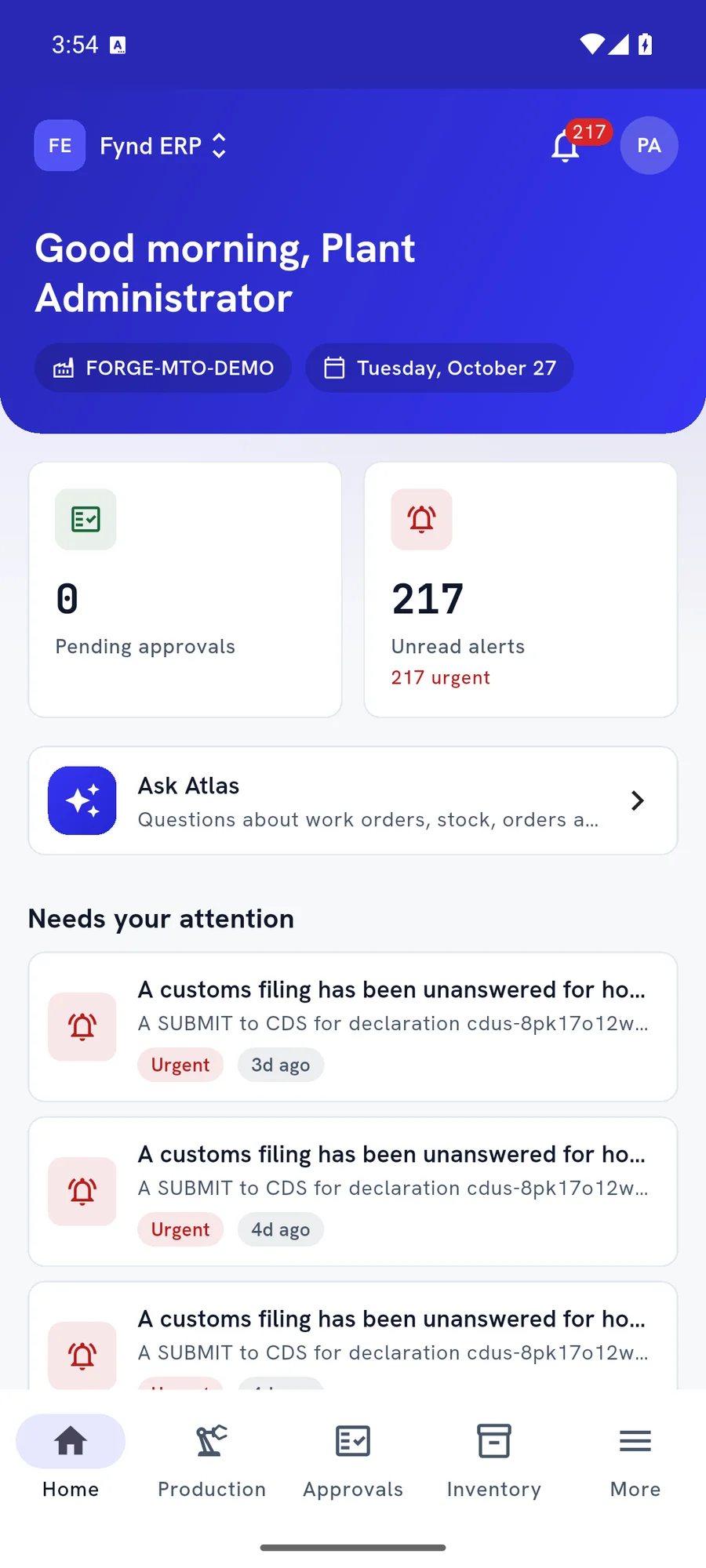
The home screen greets the person, shows the plant and date, and puts what needs attention first.
Follow one order from the warehouse shelf to the customer's door. Every scan lands in the same records the office uses.
A picker opens the warehouse floor screen on a handheld and sees the next pick.
The picker scans the bin and each item with the built-in scanner.
At the door, the rider scans the parcel and takes a signature as proof of delivery.
The customer pays cash on delivery, and the rider records it even with no signal.
The parts of a mobile ERP app field and floor teams ask about most.
Pick, receive, put away, count, move and pack by scan. The app works with the built-in scan engines on common rugged handhelds, with the phone camera as a fallback.
Riders follow stops in route order, scan parcels against the manifest and capture proof of delivery. Cash collected at the door is recorded against the stop.
Recently viewed lists stay readable without a network. Picks, deliveries and other actions wait on the phone and are sent when the connection comes back.
Approve or reject from the phone with a note. Push notifications open the right record, so nothing waits for someone to get back to a desk.
Everything done on the phone lands in the same records the office uses.
Android and iOS phones, and rugged Android handhelds with built-in scanners. On a handheld, the warehouse floor screens open by default.
Yes. Recently viewed lists stay readable, and actions such as picks and deliveries are kept on the phone and sent when the connection returns.
Go on and off duty, follow stops in route order, scan parcels against the manifest, capture proof of delivery and record cash collected at the door.
Yes. You add your company's Fynd ERP server once and sign in with its branding. Managed device settings, private certificates and proxies are supported.
Yes. Atlas is built into the app with chat, voice, photos and files, and any ERP change it prepares waits for your approval.