In a quiet office, a woman legal and admin officer reviews a contract document on a tablet beside neat folders
Fynd ERP

Every file sits next to the work it belongs to

Attach files to orders, tickets, assets and candidates, keep contract documents versioned and let invoices read themselves from a scan.

Documents that stay attached to the business

No separate file share to search. The record and its paperwork live together.

Files on every record

Attach files to maintenance alerts, service tickets, returns, candidates and procurement records, right where people work.

Versioned contract documents

Contract documents keep every version, rendition and release, with a record of each change.

Templates

Build contract templates with sections and variables, and reuse letter templates for offers and other people documents.

Read invoices from scans

Create a supplier invoice from an uploaded document, check the extracted currency and send it into matching.

Generated paperwork

Print vouchers and produce delivery and shipping documents from the transaction itself.

Signatures

Set signature policies and connect signature providers for contract documents.

Asset library

Store images and files for products and content in one library, with background processing jobs.

Legal holds

Place documents under legal hold so they cannot be removed while a matter is open.

Secure storage

Uploads go straight to object storage, and access follows each person's role and scope.

Who it's for

Each team keeps its paperwork on the records it already works on.

Legal and admin

  • Versioned contract documents
  • Legal holds while a matter is open
  • Signature policies and providers

Accounts payable

  • Supplier invoices created from scans
  • Extracted details checked before matching
  • Vouchers printed from the transaction

Operations teams

  • Files on tickets, alerts and returns
  • Delivery documents for each shipment
  • Photos from the floor kept on the record

Marketing and content

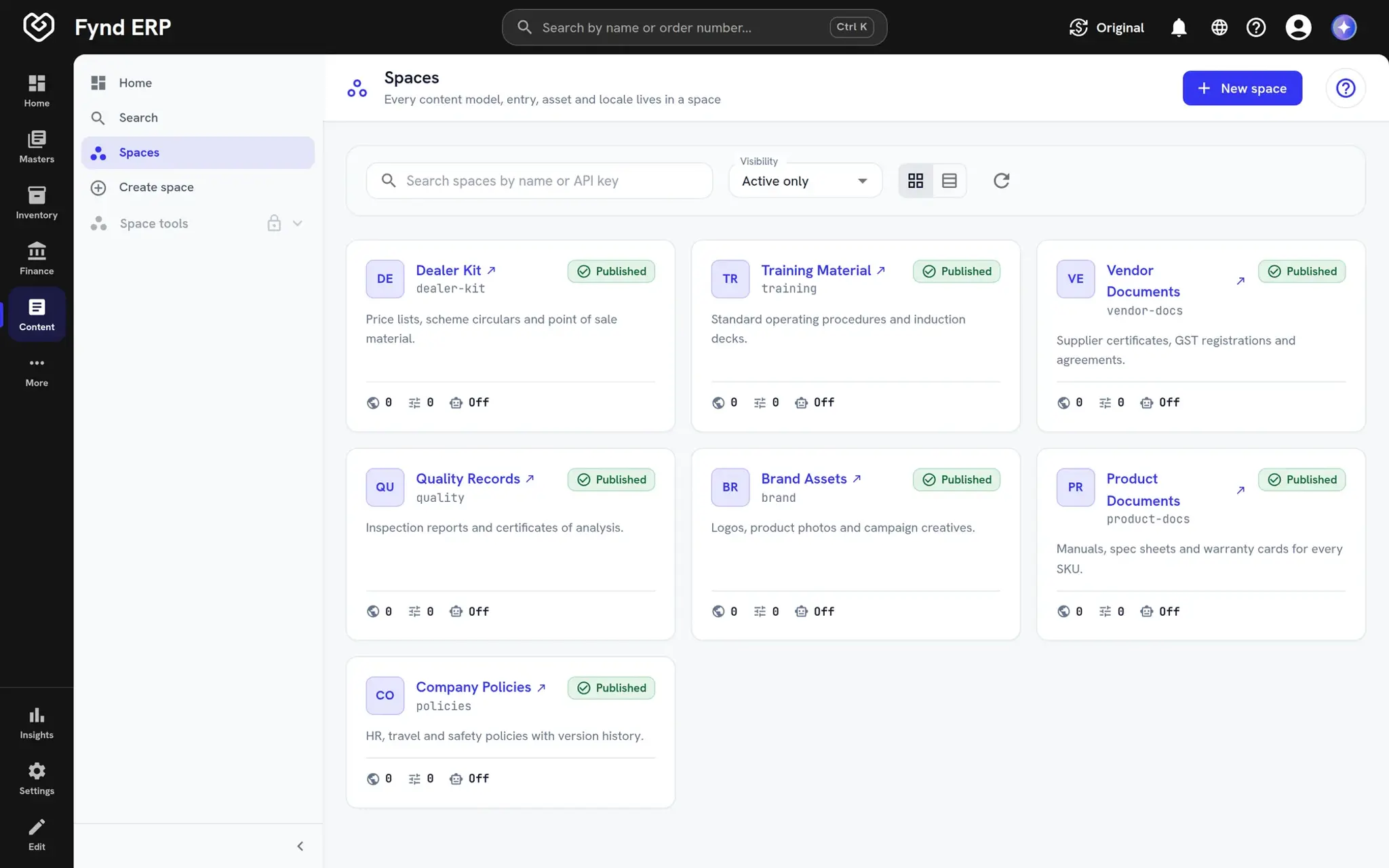
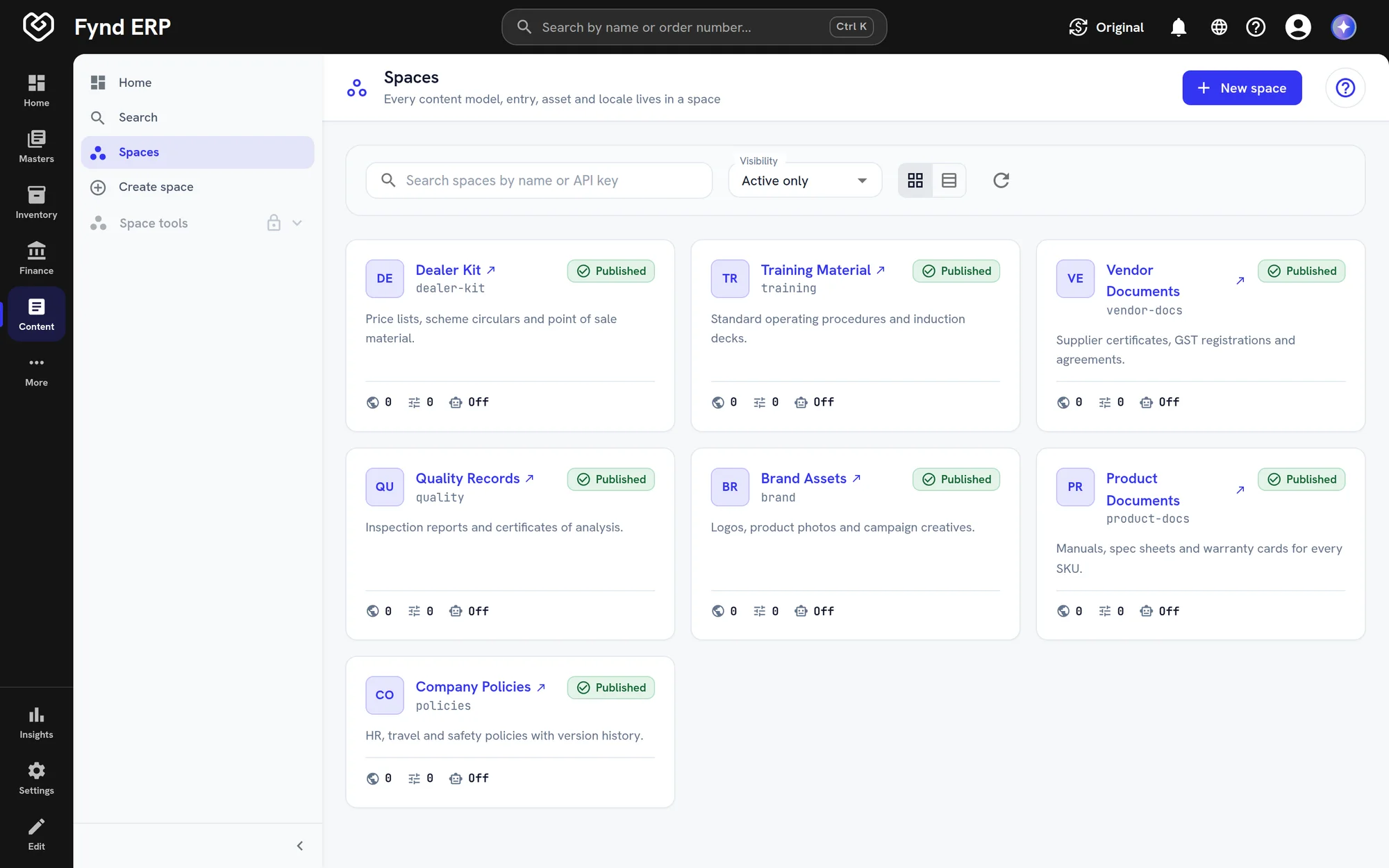
  • Content spaces with their own access
  • A shared library for product images
  • Published and draft content side by side

See the screens your team will use

Real screens from Fynd ERP, shown with demo data for a fictional manufacturer.

Every agreement across the organisation in one searchable list, with number, type, legal entity, owner, process stage, signature and effective dates. Open any agreement to see its full record.

  • Filters for process, execution, type and owner
  • Saved views and scheduled deliveries
  • Stages from request and triage to approval

A day in documents

Follow one supplier agreement from the template to the archive.

  1. Documents

    A draft is started

    Legal picks the supply agreement type and starts from a template with sections and variables.

  2. Documents

    It is revised

    Each revision is kept as a new version with a record of what changed.

  3. Documents

    It is released and signed

    The final version is released and sent for signature through the connected provider.

  4. Procurement

    Buying starts

    Orders are placed with the supplier under the signed agreement.

  5. Documents

    It is protected

    When a dispute opens, the document goes under legal hold so it cannot be removed.

Document management features in detail

The parts of document management teams ask about most.

Document version control

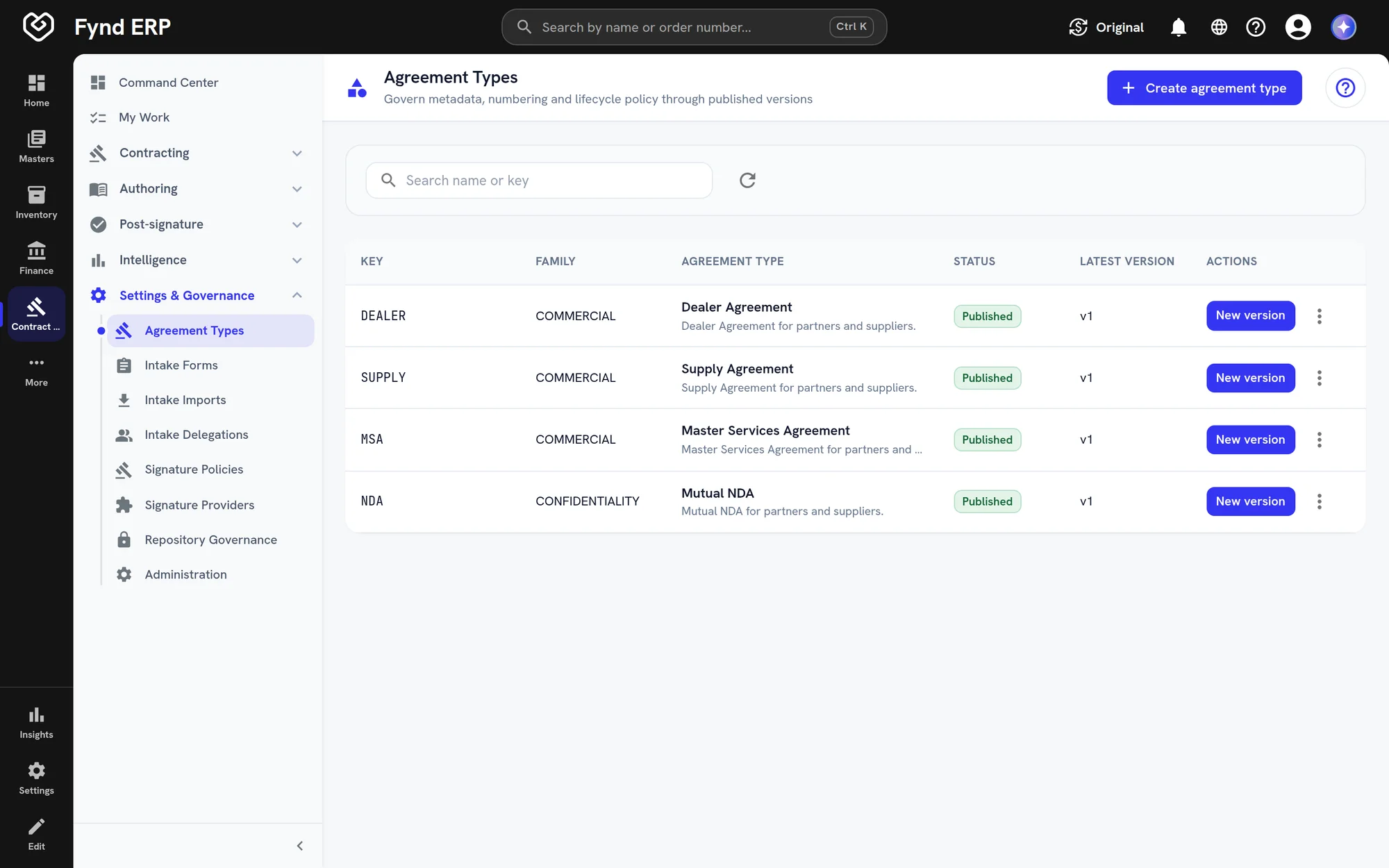
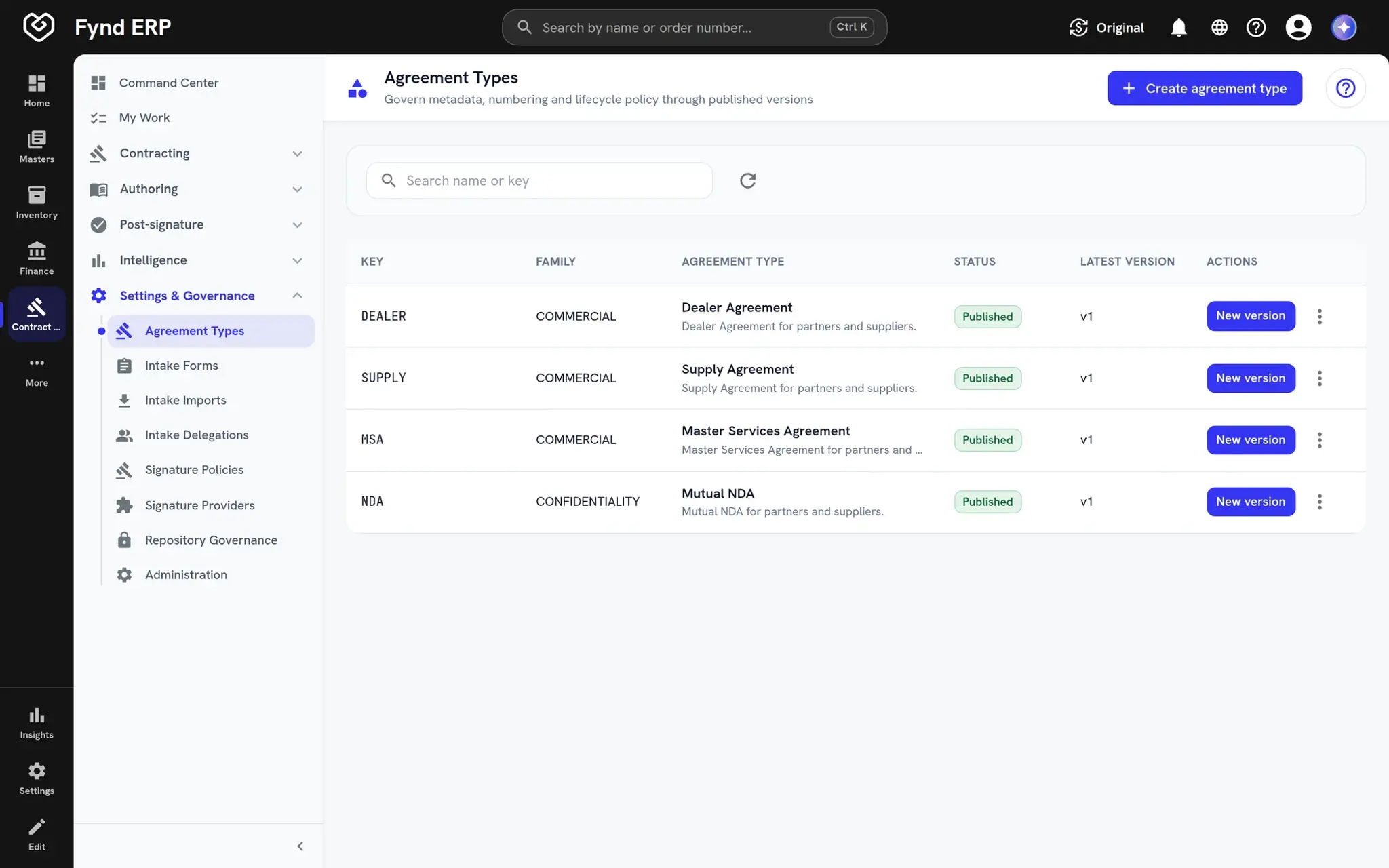
Contract documents keep every version, rendition and release. You can see what changed and which version is in force.
  • Every version kept
  • Renditions and releases
  • A record of each change
Fynd ERP agreement types for dealer, supply, master services and NDA agreements, all published

Invoice capture from scans

Create a supplier invoice from an uploaded document instead of typing it in. Your team checks the extracted details before the invoice goes into matching.

  • Upload a scan or PDF
  • Check extracted details
  • Scan stays attached to the invoice

Contract and letter templates

Build contract templates with sections and variables, and reuse letter templates for offers and other people documents. New documents start from an approved template.

  • Sections and variables
  • Agreement types with approval
  • Letter templates for HR and recruiting

Documents follow the work across modules

Each module keeps its own files on its own records, with the same storage and permissions.

Procurement

Supplier invoices are created from uploaded documents and attachments stay with the purchase.

Service Desk

Customers and agents attach files to tickets and replies.

Maintenance

Photos and reports stay on the maintenance alert they describe.

Recruiting

Candidate documents and offer letters live on the candidate.

Product Information

Product images and files come from the shared asset library.

Transport Management

Delivery documents are produced for each shipment.

Frequently asked questions

No. Files are attached to the records they belong to, such as orders, tickets, assets or candidates, so people find them where they work.

Yes. Contract documents keep every version, rendition and release, with a record of what changed.

Yes. You can create a supplier invoice from an uploaded document. Your team checks the extracted details before it goes into matching.

Access follows the person's role and scope, the same as the record the document belongs to. Files are uploaded straight to object storage.

Yes. Contract documents can be placed under legal hold while a matter is open.