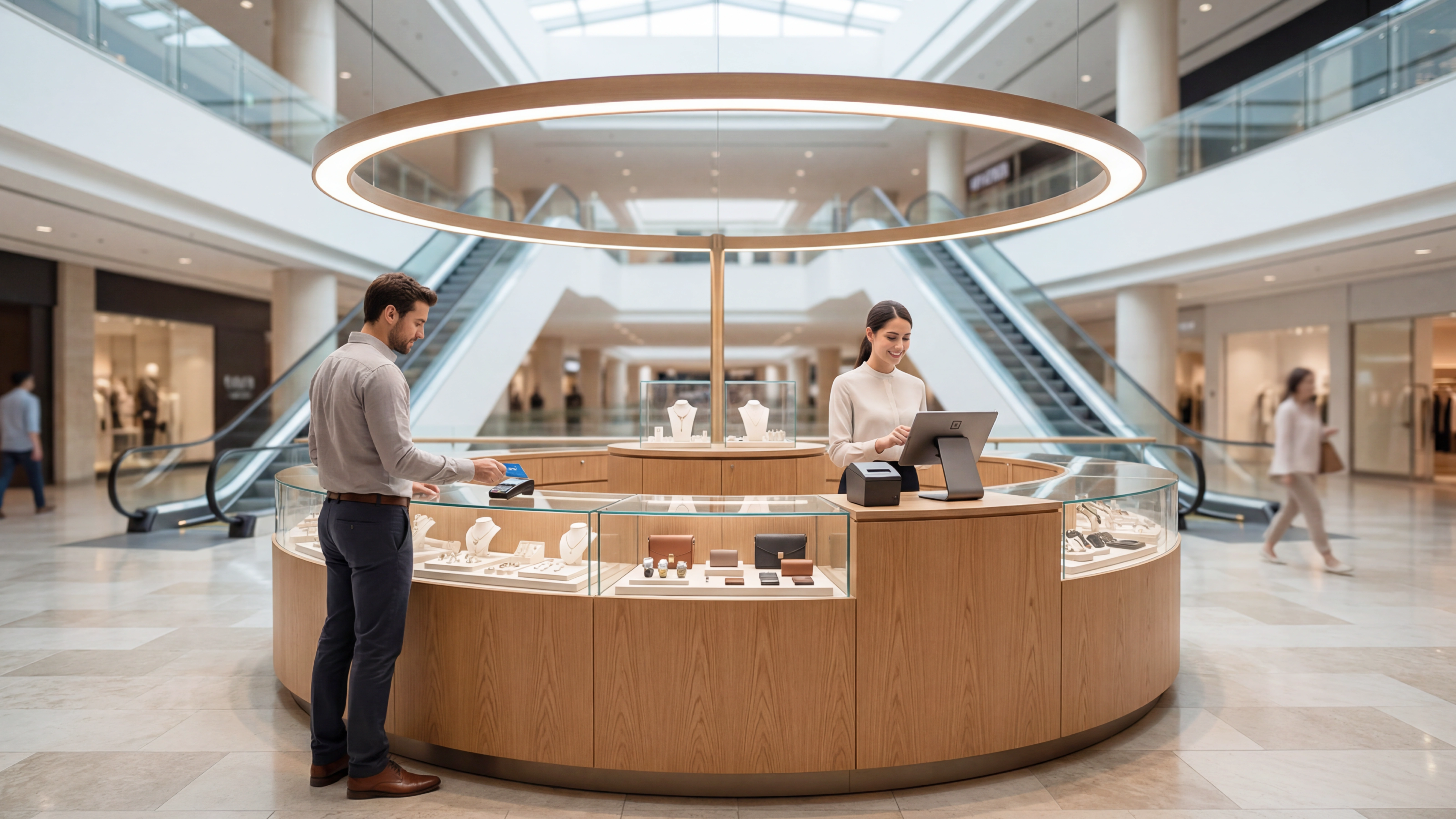
Imagine a busy Saturday afternoon at a popular mall in Mumbai. Near the food court entrance, there is a kiosk selling handcrafted jewelry. Many people stop by, browse, and pick items. But then comes the billing moment that spoils the experience. The staff struggles with a basic card machine and has to check stock manually on a phone. The customer's excitement had turned to impatience by the time the receipt arrived.
This lost moment costs more than just one sale. It affects how customers remember your brand.
If you run a small retail kiosk in a mall, your POS system is more than just a billing tool. It supports everything- how quickly you bill, how accurately you track stock, and how well you understand what is selling.
Here is what to look for in a POS system and how to set one up properly for billing, inventory, and sales.
First: is this checklist for your kiosk?
Format | Who completes the sale | This checklist? | Fynd product |
|---|
Staffed mall kiosk | A staff member bills on a tablet or phone | Yes | POS and mPOS |
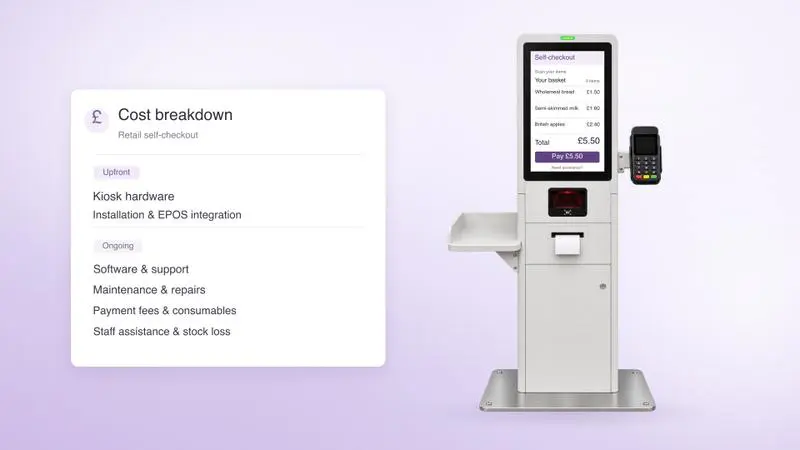
Self-checkout kiosk in a store | The shopper, at a dedicated Android kiosk | No | Kio |
Phone-based self-checkout | The shopper, in their phone's browser | No | Scan & Go |
Fully unmanned retail kiosk | The shopper, with no staff on site | No | Fynd's documentation lists unmanned kiosks as a Store OS use case. Talk to us about it |
A fully unmanned kiosk raises questions about cash, security, restocking and support that this checklist doesn't cover.
The kit
Item | What Fynd documents |
|---|
Tablet or phone | Android 8.0 or higher, iOS 16.0 or higher, browsers, and Windows devices. No proprietary hardware needed |
Barcode scanner | Zebra DS2208 (wired), compatible with Android POS setups |
Receipt printer | Posiflex PP8803, Rugtek RP80 or Citizen CT-D150, on Android and iOS |
Cash drawer | RJ12-compatible, connected through the printer |
Card terminal | Pine Labs A910, cloud-integrated on Android and iOS |
UPI QR | A dynamic QR for the exact bill amount, shown on the billing screen |
Backup connection | A second SIM or hotspot. Store OS is cloud-connected and needs a stable internet connection |
Source: Fynd's POS and mPOS documentation and setup guide.
The checklist
Phase 1: Decide before you buy
Confirm your format from the table above. Done when: you're sure it's a staffed kiosk.
Estimate peak bills per hour and how many staff work at once. Done when: you have a number to test against.
Choose your payment modes: UPI, card, cash. Done when: you've listed them.
Ask the mall about power, connectivity and card machine rules. Done when: you have their answers in writing.
Phase 2: Billing
Create your company profile and add the kiosk as a location.
Load your products: names, prices, variants, tax rates and a barcode on every item. Fynd supports data import for inventory, customers, SKUs and users.
Set discount rules, including who can approve a larger discount. Fynd POS supports promotions and approval-based discounting.
Print a sample GST invoice. Fynd POS supports GST invoicing and e-invoicing. Check with your chartered accountant whether e-invoicing applies to you.
Done when: five sample bills (a single item, many items, a discount, a return and an exchange) print correctly.
Phase 3: Inventory
Import your opening stock and map it to the kiosk.
Decide how stock arrives. At Wild Stone, kiosk staff receive stock by selecting the token number, entering the invoice reference, confirming quantities and updating inventory.
Set a low-stock level for each fast seller and decide who sees the report. Wild Stone's custom dashboard has a low-stock alert for any SKU under 10 units. Ask for a low-stock report in your demo.
Plan a weekly count of your top items against the system.
Done when: the system count matches a physical count for your 20 best sellers.
Phase 4: Payments
Turn on UPI with a dynamic QR for each bill. See our UPI integration guide for the payment states to test.
Turn on card payments through the terminal.
Set up cash tracking. Store OS register management tracks cash, expenses and deposits.
Pick your gateway route. Fynd's Assisted Merchant Account lets you accept payments through Razorpay without setting up your own account, or you can use your own.
Check the new UPI fee. From 15 October 2026, a 0.4% MDR applies to specified UPI payments above ₹2,000. Payments up to ₹2,000 stay free, and small merchants receiving up to ₹1 lakh a month through UPI QR stay at zero. Ask your gateway how it classifies you.
Done when: in live mode you've run a UPI success, a UPI failure, a refund and a card payment.
Phase 5: Plan for the connection dropping
Set up the backup connection and switch to it once.
Test the worst moment: the connection drops just after a customer pays. Never mark a bill paid on a screenshot of the customer's phone.
Write a three-line fallback and stick it on the counter.
Done when: every staff member has switched to the backup connection once.
Phase 6: People
Add each team member and set their access. Billing staff get counter access, and the manager gets the full view.
Train every shift. Fynd offers multilingual training and on-ground help at go-live. Wild Stone's case study says its non-technical staff were trained and live within hours.
Done when: each person has billed ten bills back to back.
Phase 7: The go-live weekend test
Run these on a quiet day first, then on your first busy weekend:
Ten bills in a row at peak speed
A discount that needs approval
A return, then an exchange
A stock check on an item that has just sold
A refund
The connection dropping
Closing the day and matching cash, UPI and card to the report
Phase 8: The first 30 days
Daily: close the register and check sales by payment mode.
Weekly: review best sellers and low stock, count a sample, and match payments to settlements.
Monthly: review sales by product, staff and time of day, and decide whether to add loyalty, which Fynd supports through Fynd Engage, or another kiosk.
What it costs
Fynd doesn't publish a per-kiosk price. In-store software is quoted by the number of stores, POS users and modules. The published plans cover the online storefront, so they aren't a kiosk quote. Ask for a written quote on this basis, and add up the first-year total:
Cost | What to ask or check |
|---|
Software | Which modules, for one location and how many POS users |
Devices | A tablet or phone, and what you already own |
Peripherals | Scanner, printer, cash drawer, card terminal and QR display |
Connectivity | The backup SIM or hotspot plan |
Payment fees | Gateway fees, card MDR, and the UPI MDR on bills above ₹2,000 from 15 October 2026 |
Training and go-live | What the quote includes, and whether on-site help is extra |
Growth | The price when you add a second kiosk |
Proof: from 2 kiosks to 25
Wild Stone, a fragrance brand with no owned retail, launched two mall kiosks in West Bengal in September 2025 and had 25 operating by the end of March 2026, spread across West Bengal, Lucknow, Bihar and other mall locations. Its kiosks run on Fynd POS, with a custom dashboard (sales by store, product and staff, new versus returning customers, and a low-stock alert) and a simple goods-received flow in place of a warehouse system. Per the case study, sales rose 171% and orders 151% in the first five months.
Read it as one brand's story. The case study's headline panel says six months and 150%, and its timeline chart shows 14 stores, so the numbers differ across the page.
Where Fynd fits and where to look closely
Fynd's own material positions Store OS for medium to large retail brands and multi-store formats. It suits you if you're planning several kiosks or outlets, as Wild Stone did. If you run a single kiosk and only need billing, compare it with simpler tools before you commit.
Ready to plan your first kiosk and the next ones? Talk to us or explore Fynd POS.