Business leaders
- Ask why a number moved and see the records behind it
- Answers as tables and charts
- Ask from Slack

Ask in plain words, get answers from live records, and let Atlas draft the change. Nothing is saved until you approve it.
Atlas reads and acts with the same permissions as the person asking, on the models you choose.
Anyone who uses the ERP can ask Atlas, and it only sees what they can see.
Real screens from Fynd ERP, shown with demo data.
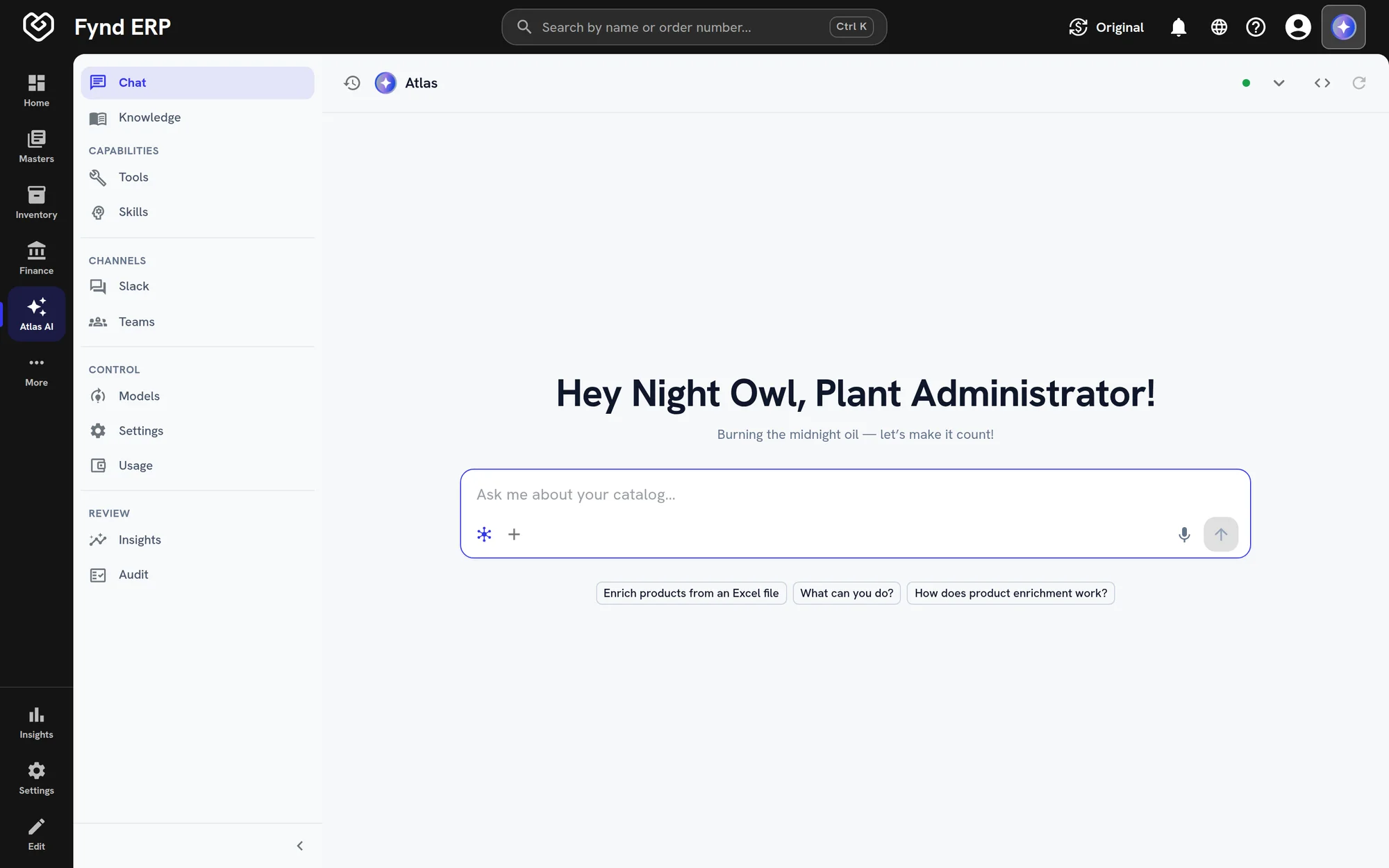
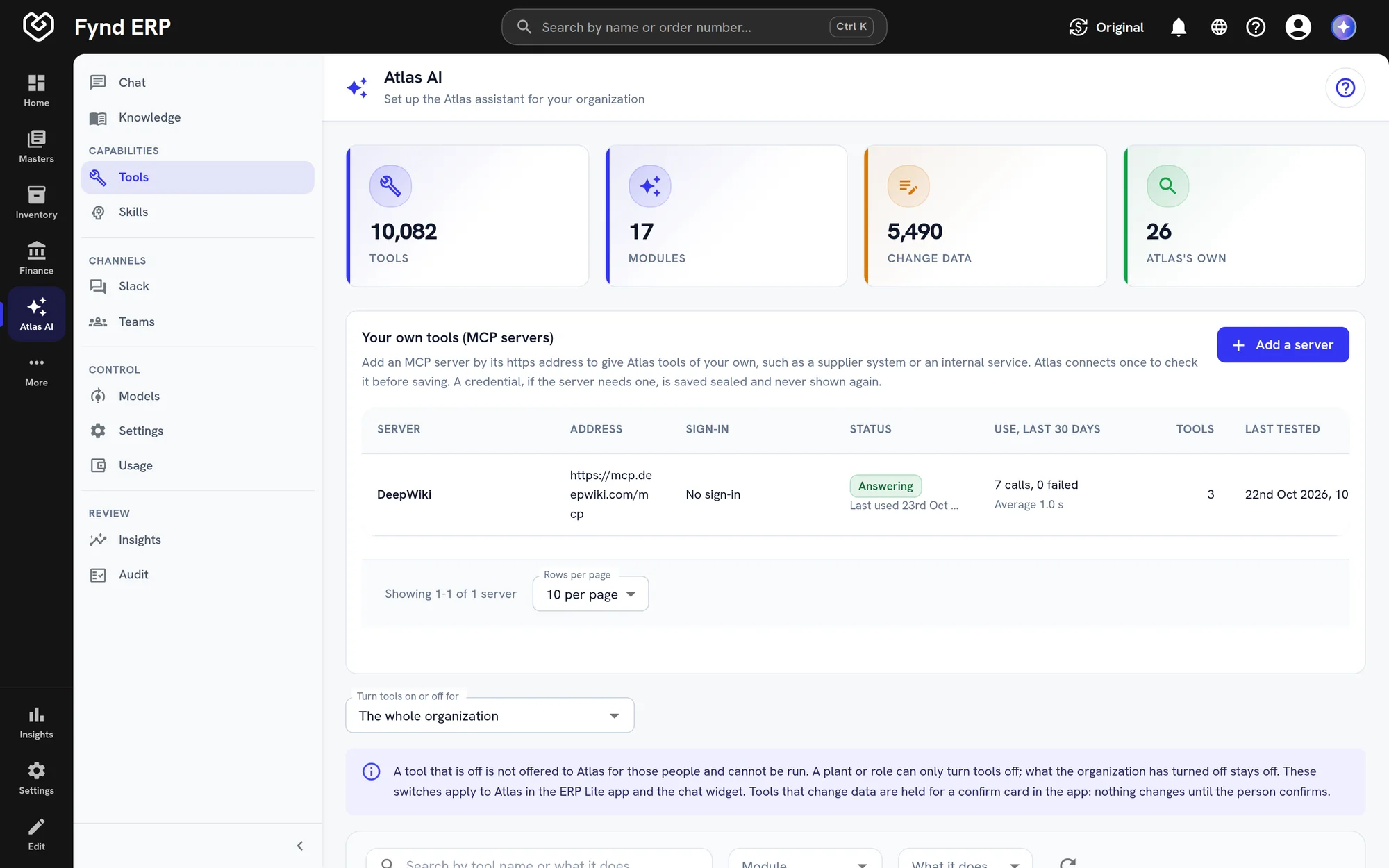
Atlas has its own space in the console, with chat, knowledge, tools, skills, channels and controls in one menu.
Follow one question from a chat to a change in the ERP. Atlas never acts beyond the person who asks.
A production supervisor asks Atlas which work orders are due this week.
Atlas reads the work orders the supervisor can see and replies with a table.
The supervisor opens one work order and asks Atlas about that record.
The supervisor asks for a quality alert, and Atlas prepares it on a confirm card.
Once the supervisor agrees, the alert is created under their name and audited.
The parts of an AI assistant for ERP teams ask about most.
Ask about orders, stock, work orders or approvals and get streamed answers built from live records. Replies come back as record cards, tables, charts and short forms.
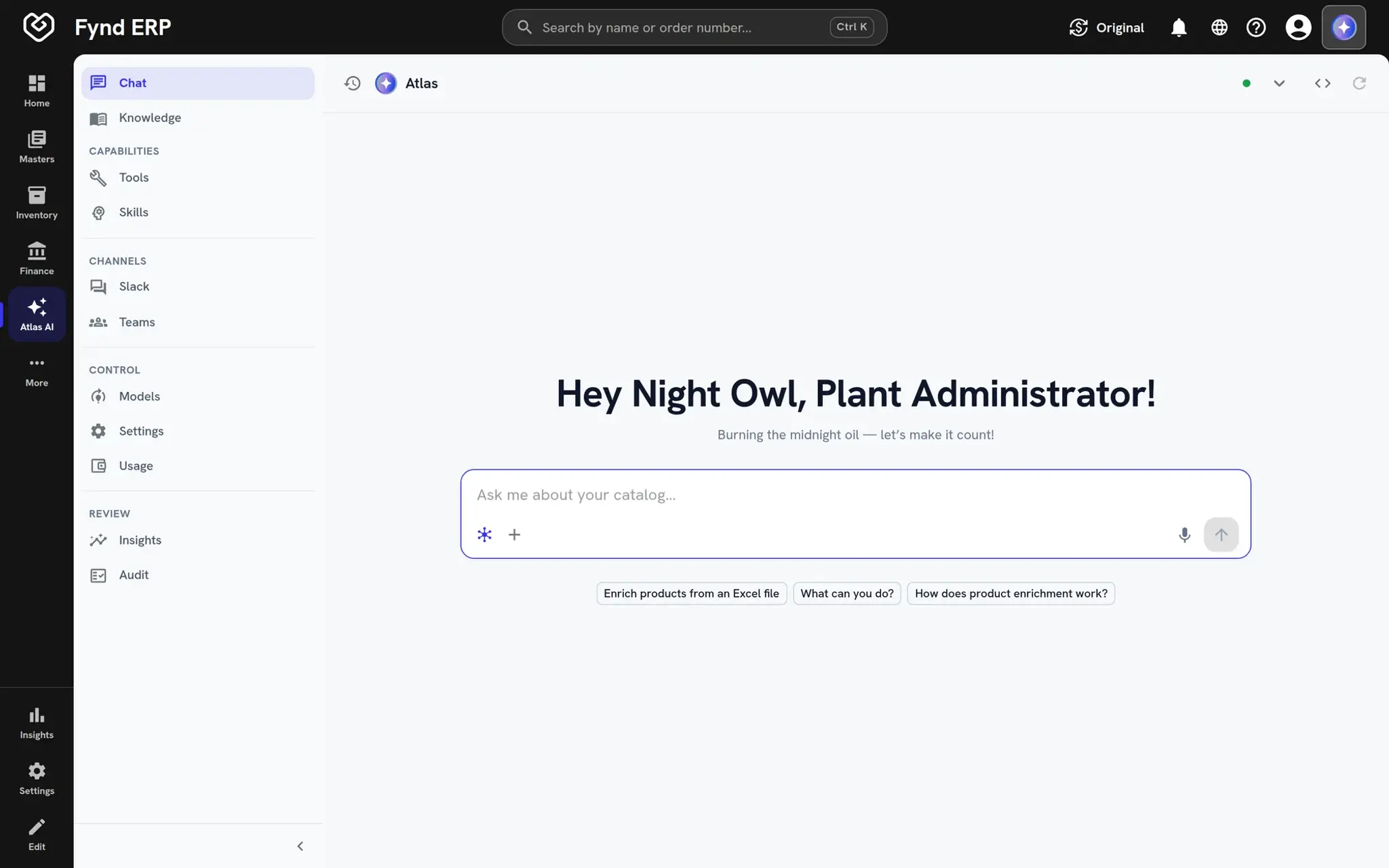
Atlas can create and update records across modules, but every change waits on a confirm card until you agree. It runs with your organisation, plant and role, so it can never do more than you can.
Talk to Atlas in Slack, where your team already works. Each organisation connects its own Slack app, changes wait on Approve and Reject buttons, and Microsoft Teams is coming next.
Use your own keys for a hosted model and choose the model for your organisation. Self-hosted models already work in selected Atlas assistants, with more to follow.
One assistant for every module, with the same rules as the people who use it.
Atlas is the AI assistant built into Fynd ERP. It answers questions from live ERP data and can prepare changes for you to approve, in the console, the mobile app and Slack, with Microsoft Teams.
No. Every create or update is held on a confirm card, or Approve and Reject buttons in Slack, until the person who asked agrees.
You choose. Connect a hosted model through its provider or your cloud account, or point Atlas at a model you host on your own GPUs.
No. Atlas runs with the asking person's organisation, plant and permissions, so it can only read and act on what that person can.
No. Each organisation connects its own Slack app (Microsoft Teams is coming next), and admins decide which people and channels can use Atlas.