A vendor quotes ₹X a month, and it sounds reasonable. Then implementation, integrations, training, and hardware show up as separate line items, and the real number is nearly double what the sales call promised. This isn't a vendor being dishonest. It's how WMS pricing works: the subscription or license fee is just the entry point, not the total cost.
For any business evaluating a warehouse management system (WMS) in 2026, the real question is not "what does the software cost." It is "what will this system cost us in year one, and does that number still make sense in year three?" This guide breaks down current WMS pricing models, what actually drives cost up or down, a calculator to estimate a realistic budget and how the major vendors compare, so the number that lands on your desk isn't a surprise.
What does a WMS cost in 2026?
Based on current market pricing, most businesses should budget within these ranges:
Small operations (single warehouse, under 5,000 SKUs): $25,000–$75,000 in total first-year cost, including software, implementation, training and hardware
Mid-market (multiple zones, 1,000–10,000 orders/day): $2,000–$5,000 a month in software alone, before implementation and integrations
Enterprise (multi-site, high SKU count, automation): $8,000–$15,000+ a month in software, with total project costs often exceeding $200,000 in year one
Averaged across a 5-year period, industry data puts the total cost of ownership around $10,000 per user, which works out to roughly $167 per user per month once licensing, maintenance and standard support are factored in. These are useful benchmarks for budgeting, not a substitute for a quote based on your actual order volume and warehouse count.
Understanding WMS pricing models
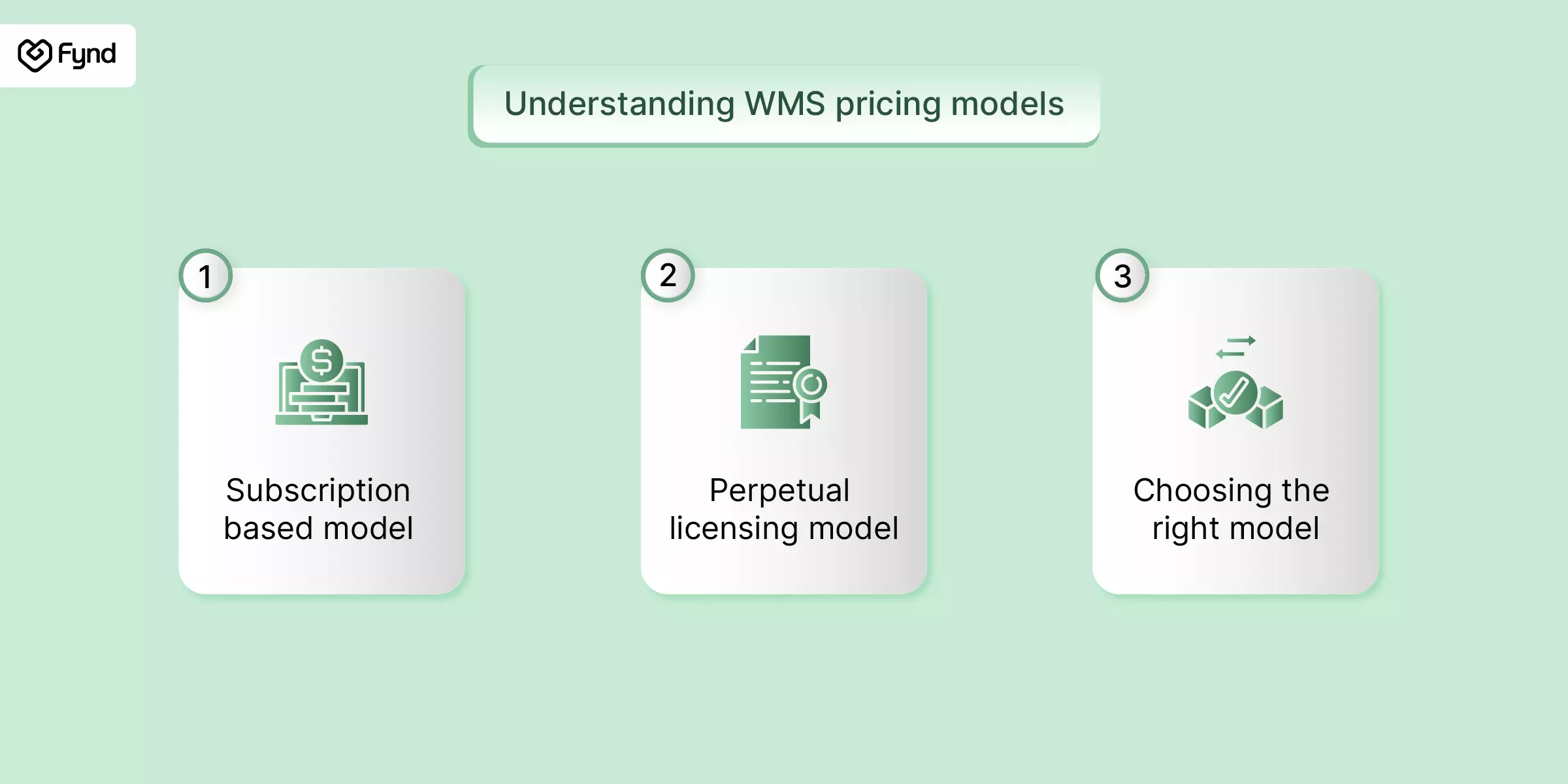
1. Subscription-based (cloud/SaaS) WMS pricing
You pay monthly or annually to use the software, which is hosted by the vendor. This is now the default choice for most growing businesses.
Key characteristics:
Lower entry cost: Setup and training are usually your only major upfront expense, which keeps the barrier to entry low.
Scales with you: Add or remove users and modules as your order volume changes.
Maintenance-free: The vendor pushes updates, security patches and new features automatically.
Predictable monthly spend: Easier to forecast than a large one-time license purchase.
Cost considerations: Per-user fees typically range from $100 to $300/user/month, plus a base platform fee of $500–$2,000/month. Mid-market deployments with 20–50 users commonly land between $1,500 and $15,000 a month. Watch for seasonal hiring, every temp worker added during peak season can add to your bill if you're on a per-user model.
2. Perpetual licensing (on-premise) WMS pricing
You make a one-time payment for the software license and run it on your own infrastructure indefinitely.
Key characteristics:
Higher upfront investment: License, hardware and implementation costs are paid at once.
Lower long-term run cost: After the initial spend, you are mainly paying 15–22% of the license cost annually for maintenance and support.
Full control: You manage data residency, customisations and upgrade timing on your terms.
Longer rollout: Procurement and on-site installation extend the implementation timeline.
Perpetual license fees usually fall between $100,000 and $500,000 for mid-market solutions and can exceed $1 million for enterprise-grade platforms with multi-site, multi-region requirements.
3. Choosing the right model
There's no universal "better" option here; it comes down to budget flexibility, how much control you need, and how fast you expect to scale.
Go subscription-based if you want a lean IT footprint, fast deployment and the flexibility to scale users up or down.
Go perpetual licensing if you want maximum customisation, plan to stay on the same system for 5+ years and have the IT bandwidth to manage it in-house.
Cloud vs. on-premise deployment
Selecting between a cloud-based warehouse management system and an on-premise WMS is a significant decision that will affect your operations, costs and future scalability. While each deployment method has its distinct pros and cons, in the end you must choose one over the other.
Cloud-based WMS solutions are hosted and maintained on the vendor's (the technology publisher) servers with access via the internet. They tend to go by a subscription model and offer low start-up costs and ease of scaling.
On-premise WMS vendor solutions are hosted and maintained on the company's own servers, this offers some advantages of control and customisation but typically has a larger start-up expenditure. To help you assess which technology deployment model makes the most sense for your business needs, here is an in-depth comparison:
Cloud vs. On-premise: Full comparison
Feature | Cloud-based WMS | On-premise WMS |
|---|
Initial investment | Lower; subscription-based | Higher; hardware and license costs upfront |
Implementation time | Faster (4–8 weeks typical) | Slower (3–6 months typical) |
Scalability | High; add users or warehouses easily | Limited; often needs new hardware to scale |
Maintenance | Vendor-managed, included in subscription | In-house IT required; 15–25% of license cost annually |
Accessibility | Anywhere with internet access | On-site or VPN-dependent |
Customization | Moderate, vendor-dependent | High, but costly to build and maintain |
Security & compliance | Vendor-managed | Full internal control |
Internet dependency | Required | Not required |
Cloud WMS tends to be the better fit for small and mid-sized businesses that want flexibility without a big capital outlay. On-premise WMS still makes sense for large enterprises with complex compliance needs, dedicated IT teams and a preference for full control over infrastructure.
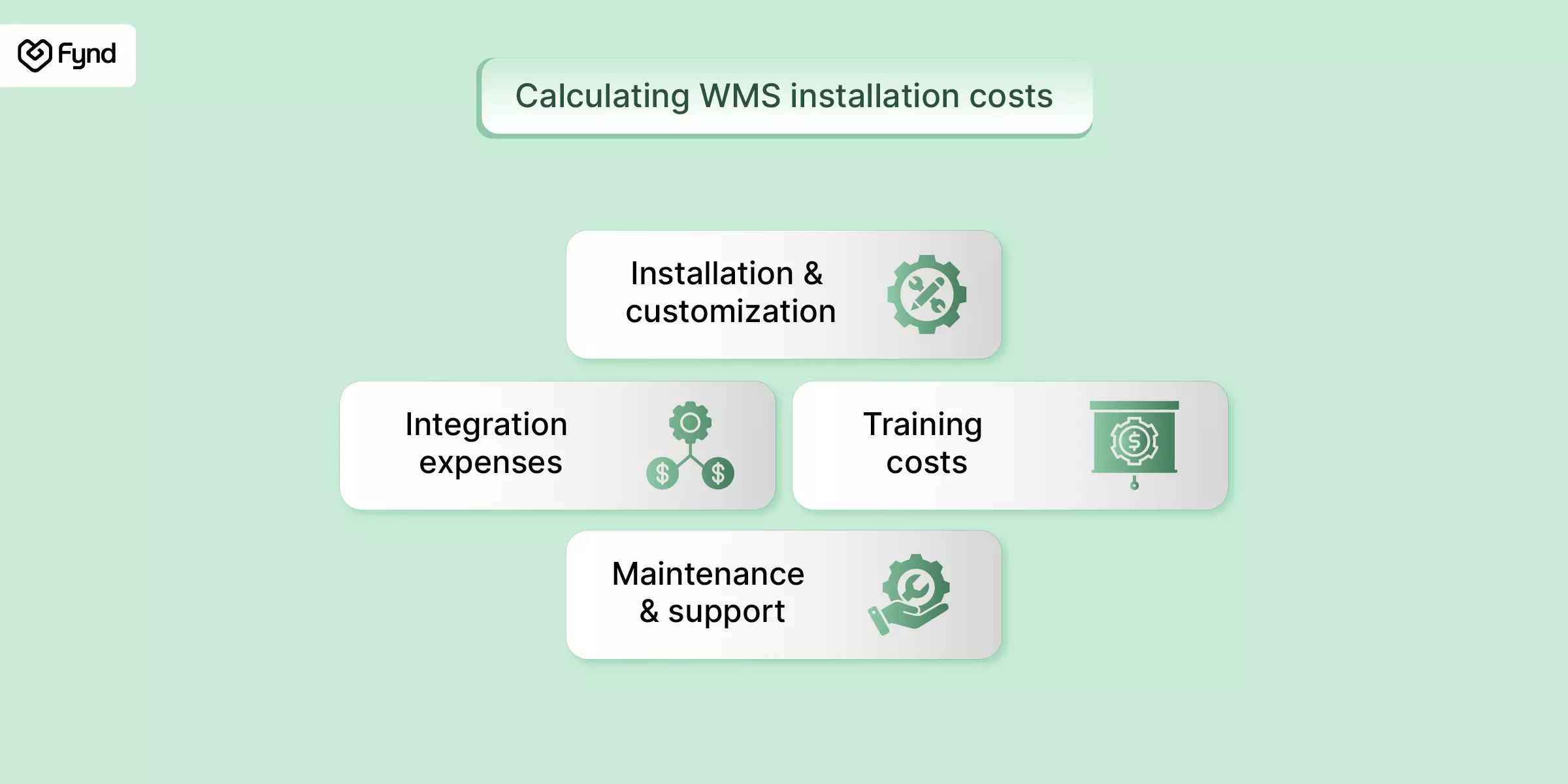
Calculating WMS installation costs
WMS pricing comparison table
Here's a quick side-by-side of what you can expect to pay across business sizes and deployment types, based on current 2026 industry benchmarks.
Business size | Deployment | Typical monthly cost | Typical first-year cost (incl. implementation) |
|---|
Small business (1–10 users) | Cloud/SaaS | $500 – $3,000/month | $25,000 – $75,000 |
Mid-market (10–50 users) | Cloud/SaaS | $1,500 – $15,000/month | $75,000 – $250,000 |
Enterprise (multi-site) | Cloud/SaaS | $15,000 – $50,000+/month | $250,000 – $1,000,000+ |
Mid-market | On-premise (perpetual license) | N/A (one-time + 15–22% AMC) | $100,000 – $500,000 |
Enterprise | On-premise (perpetual license) | N/A (one-time + 15–22% AMC) | $500,000 – $2,000,000+ |
Although these numbers provide good estimates, the actual costs depend on your business, chosen WMS solution and operational complexity. It is important to get price quotations from vendors according to your organisation's requirements.
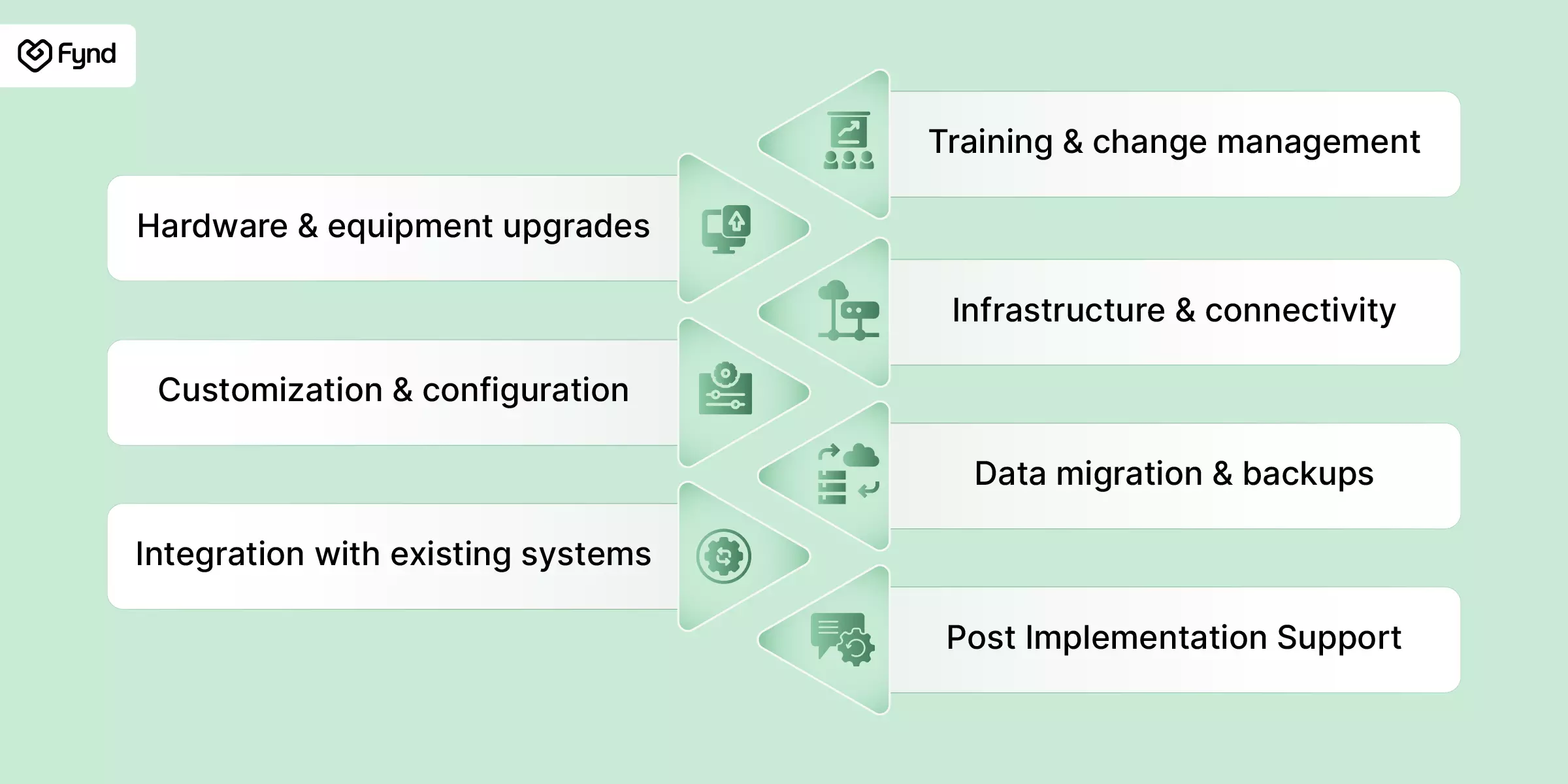
Hidden costs to consider in WMS implementation
Essential WMS features and how they affect cost
Feature | What it does | How it impacts cost |
|---|
Inventory management | Tracks stock levels, locations and movements in real time | Usually included, costs rise with real-time tracking complexity |
Order management | Handles picking, packing, shipping and tracking | Costs increase with custom or high-volume workflows |
Labor management | Schedules and monitors warehouse staff | Adds meaningfully to cost but lifts productivity |
Cycle counting | Enables partial inventory checks without full shutdowns | Low-cost add-on, high-accuracy payoff |
System integrations | Connects WMS with ERP, shipping tools, e-commerce | One of the biggest cost drivers, especially for custom builds |
Reporting & analytics | Dashboards and performance insights | Base reports often included advanced analytics; cost extra |
Mobile functionality | WMS access via handheld devices on the floor | Typically low cost unless offline access is needed |
Returns management | Streamlines processing of returned goods | Moderate cost; valuable for high-return categories |
What actually drives WMS cost up
The listed subscription or license fee is rarely the full story. These are the cost categories that show up after the contract is signed.
Implementation and configuration. Cloud deployments typically run $1,000–$30,000 depending on complexity; on-premise setups run higher, often $3,500–$40,000 for installation alone.
System integrations. Connecting the WMS to your ERP, e-commerce platform, or TMS is usually the single biggest line item outside the software fee. Basic integrations run $10,000–$30,000; multi-system or custom integrations can run $30,000–$80,000.
Training. Budget $1,000–$5,000 for small teams, and $5,000–$50,000 for larger or more complex operations that need structured onboarding.
Hardware. Barcode scanners, mobile devices, and label printers add up fast, especially for RFID-enabled setups. RFID readers alone run $1,000–$20,000 per zone, and tags cost $0.10–$2 each depending on volume.
Maintenance and support. Included in most SaaS subscriptions; for on-premise systems, expect 15–25% of the original license cost every year indefinitely.
Data migration. Moving historical inventory and order data into the new system is often underestimated and can require dedicated resources, especially when migrating from spreadsheets or multiple disconnected tools.
None of these costs are hidden on purpose. They are simply outside the "starting from $X/month" line most vendors lead with, which is why total first-year cost is usually 20–50% higher than the software price alone.
Industry-specific WMS cost considerations
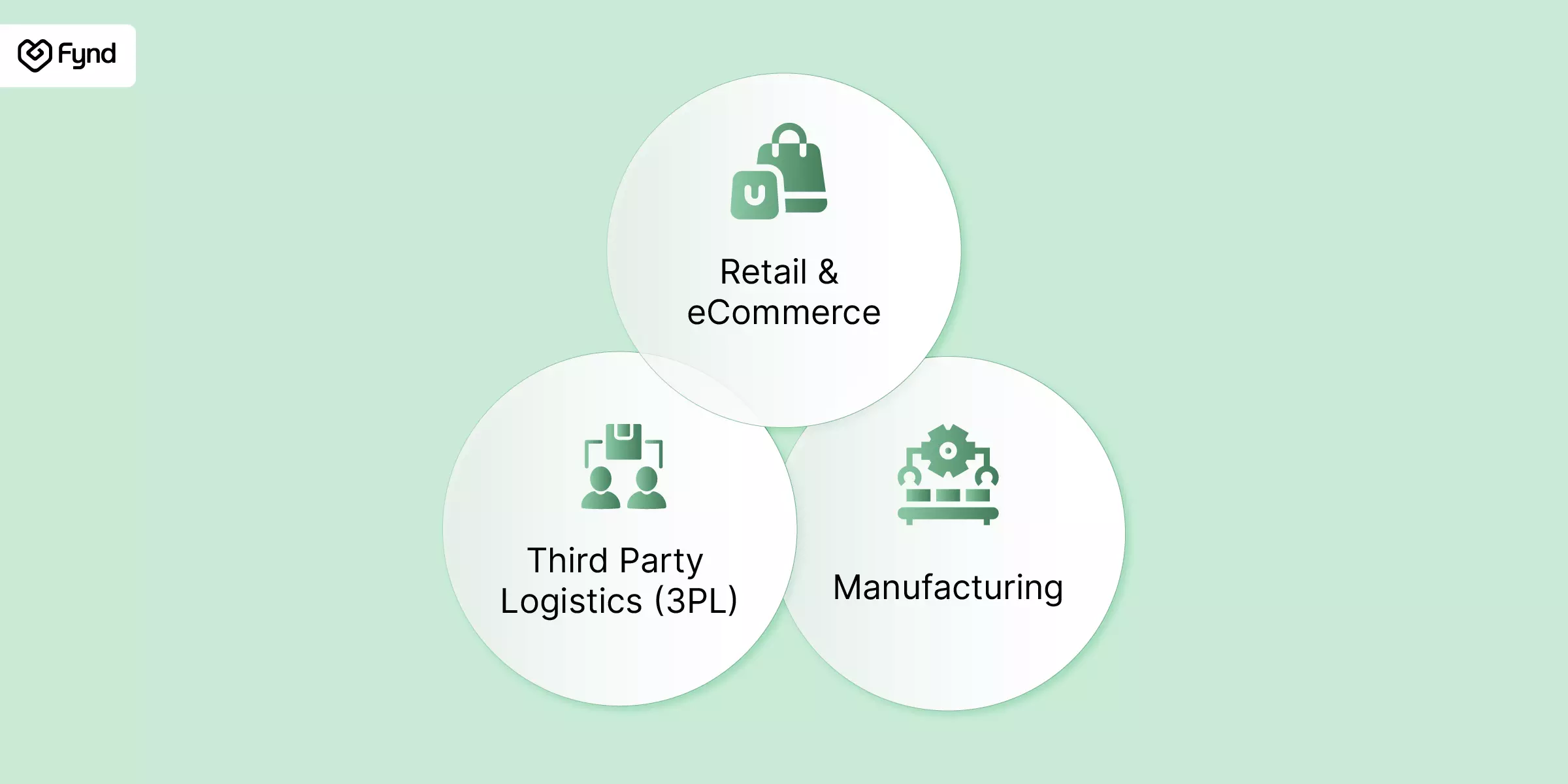
Industry-specific WMS cost considerations
Retail and e-commerce
Needs real-time inventory across channels, marketplace and POS integration and fast returns processing. Costs run higher due to omnichannel and automation needs - cloud WMS is common here to absorb seasonal peaks without overpaying year-round.
Manufacturing
Needs raw material, WIP and finished goods tracking, plus ERP and production planning integration. Setup costs are higher due to workflow complexity, but ROI improves through reduced material waste.
Third-party logistics (3PL)
Needs multi-client billing, varied workflows per client and client-facing reporting. Costs run higher due to multi-client architecture, with ongoing support scaling as new clients onboard.
How RFID affects WMS cost
RFID can look like an added expense at first, but it often lowers total operating cost over time by speeding up cycle counts and reducing manual errors. According to Auburn University's RFID Lab, retailers using RFID can achieve inventory accuracy of around 95%, compared to roughly 63% with manual or barcode-only methods.
Typical RFID costs:
Passive tags: $0.10–$0.50 each
Readers and zone infrastructure: $1,000–$3,000 per zone (fixed) or $1,500–$4,000 (handheld)
Middleware/integration development: added upfront cost
Where the payoff shows up: lower labor cost, faster cycle counts, less shrinkage and more accurate demand forecasting - particularly valuable for high-SKU, high-throughput warehouses.
Total cost of ownership (TCO) for WMS
Sticker price tells you almost nothing about what a WMS will actually cost over its lifetime. TCO covers everything from go-live to year five:
Licensing or subscription fees your core recurring or one-time cost
Installation and configuration setup, data migration, ERP/e-commerce connections
Training initial rollout plus ongoing refreshers
Hardware scanners, RFID readers, servers (for on-premise)
Maintenance and upgrades typically 15–22% of license cost annually for on-premise
Customization and ongoing development as your workflows evolve
Support bundled, tiered, or billed separately depending on vendor
Looking at TCO over a 3–5 year horizon not just the first invoice is how you avoid choosing a system that looks cheap today but costs more by year three.
Real-world case: Industrial parts distributor achieves 204% ROI
A global industrial components distributor was dealing with rising labor costs, inefficient warehouse processes and poor inventory visibility. After implementing Savant WMS, an all-in-one system built for complex inventory operations, the results were:
204% ROI in 6 months fast recovery of implementation costs through efficiency gains
$405K in annual labor savings automated picking, packing and shipping reduced the need for additional hires
$63,785 saved annually on warehouse management time through faster, more accurate order processing
Improved order accuracy and speed from better real-time inventory visibility
What made it work: a technology fit that matched real requirements (without over-engineering), smooth integration with existing tools, and a system the floor team could pick up quickly.
Fictional use case: Mid-sized 3PL cuts costs 22% with Fynd WMS
A mid-sized 3PL managing multiple e-commerce clients was dealing with fulfillment delays, inventory discrepancies and high labor costs from manual processes.
Challenges:
Frequent stock discrepancies hurting inventory control
Manual record-keeping causing delays and errors
Rigid processes making it hard to onboard new clients
Solution: The company implemented Fynd WMS to centralize and automate warehouse operations.
Key features used:
Real-time inventory tracking gave every client accurate, consistent stock visibility
Automated order processing reduced manual error across picking, packing and shipping
Customizable workflows let the business tailor processes per client without losing scalability
Mobile access let warehouse staff manage tasks from the floor instead of a desk
Results:
22% reduction in operating costs through automation and accuracy gains
Improved order accuracy and stronger client satisfaction
Faster client onboarding with no disruption to existing workflows
WMS vendor comparison table
Vendor | Pricing model | Core strength | Best fit | Starting cost |
|---|
Fynd WMS | Subscription (SaaS) | Real-time inventory, multi-client and omnichannel handling, mobile-first UI | E-commerce, retail, 3PL — especially India-based omnichannel brands | Custom quote |
Zoho Inventory | Subscription | Inventory and order management with multichannel sync | Small businesses, D2C | Free plan – $299/month |
NetSuite WMS | Subscription (Cloud ERP) | Deep ERP integration, lot tracking, mobile picking | Mid-to-large enterprises | ~$99/user/month and up |
Fishbowl | Perpetual license | Inventory control, QuickBooks sync | Manufacturing, wholesale | ~$4,395 one-time |
Logiwa | Subscription (SaaS) | Automation tools, returns handling | High-volume B2C, 3PL | ~$400/month and up |
Pricing varies by user count, locations, and feature tier - always confirm with the vendor directly for an accurate quote.
This table gives you a starting point, but the right WMS for you still depends on integration needs, customization flexibility, support quality and industry-specific fit.
Tips for finding an affordable WMS
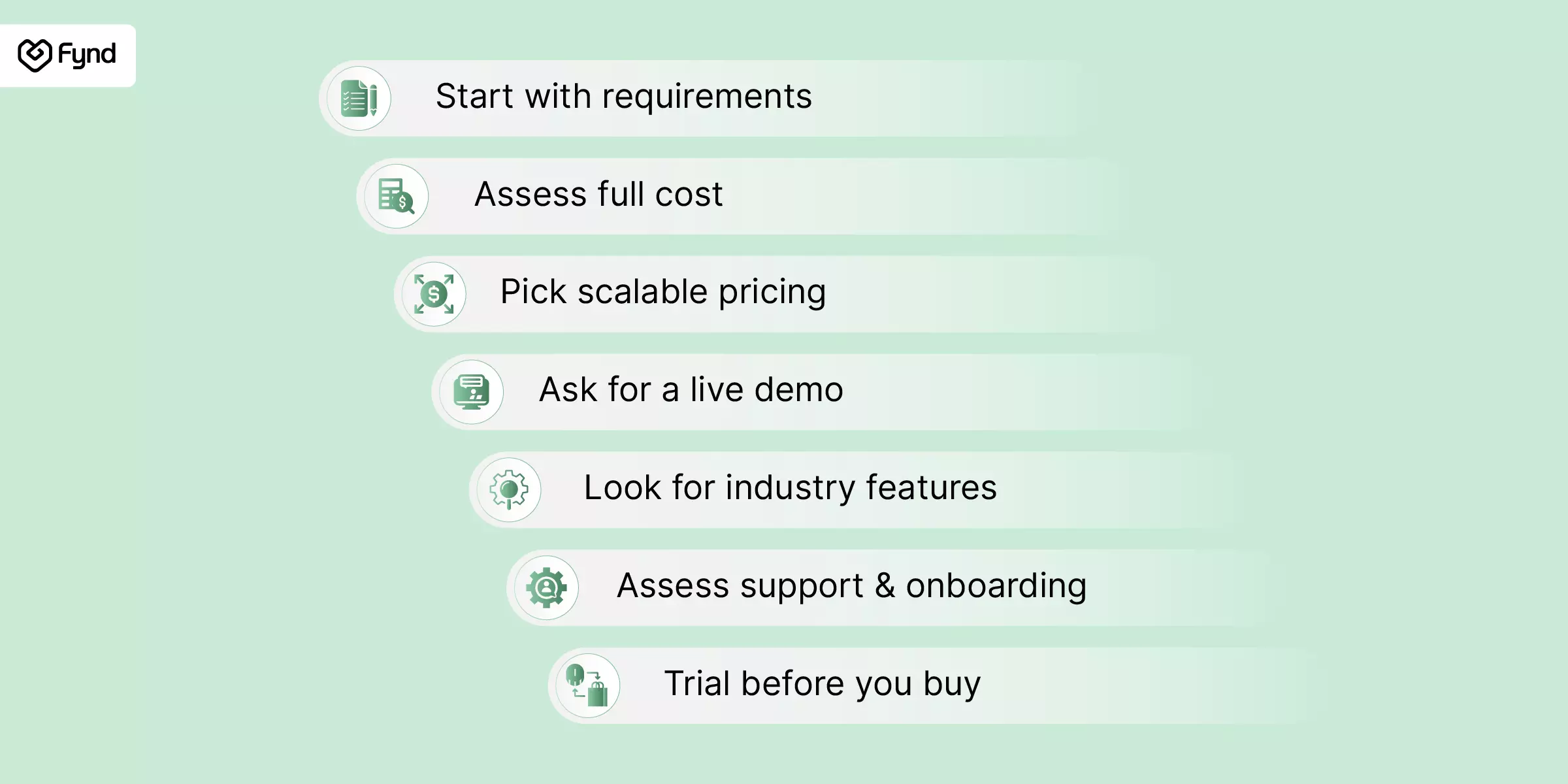
1. Start with your actual requirements
Before comparing vendors, list out your non-negotiables: real-time inventory updates, multi-client support, barcode/RFID compatibility. This prevents paying for capabilities you will not use.
2. Look at total cost of ownership, not just the sticker price
Implementation, training, hardware and integrations add up. The cheapest license isn't always the cheapest system over three years.
3. Choose a vendor with usage-based, scalable pricing
A provider that lets you scale users or modules as you grow keeps you from outgrowing the system or overpaying early on.
4. Always ask for a live demo
A real walkthrough shows you usability and fit far better than a sales deck.
5. Check for industry-specific features
A 3PL needs multi-client billing logic; a manufacturer needs WIP tracking. A generic WMS may be missing what you actually need.
6. Evaluate support and onboarding quality
Ask about SLA response times, training documentation and what is included versus billed separately.
7. Trial before you commit
Most SaaS WMS vendors offer free trials or pilot programs - use them to validate fit before locking into a contract.
Tips for finding an affordable WMS
Why choose Fynd WMS?
If you are looking for a flexible, transparent warehouse management system, Fynd WMS is built to simplify complexity rather than add to it, whether you are a growing e-commerce brand, a 3PL managing multiple clients or a retailer running omnichannel fulfillment. What sets Fynd WMS apart
A. Multi-client support, built in: Manage multiple clients, SKUs and workflows without workarounds, see exactly what each client owns and needs without switching screens.
B. Mobile-first experience: Built for floor teams. Pick, pack and track entirely from mobile devices - no need to tie warehouse functionality to a desk.
C. Modular and scalable: Start with the basics and add modules as you grow - inventory control, picking, packing, smart shipping and more.
D. Real-time visibility: Live inventory updates, fulfillment tracking and performance insights in one place.
E. Customizable workflows: Design operations around how your business actually runs -no waiting on a developer for every change.
F. Transparent, flexible pricing: Enterprise-grade capability without an enterprise price tag - pricing that scales with you, not against you.
Built for modern logistics
Fynd WMS is not just a plug-and-play tool, it is designed to solve real operational friction, from manual task elimination to fulfillment accuracy, for teams that need more than a dashboard.
Understanding your operational needs matters just as much as the price tag when choosing a WMS. The real cost goes beyond the license like deployment model, hidden fees and industry-specific requirements all factor in.
Whether you are evaluating your first WMS or upgrading an existing stack, the right system reduces inefficiency and lowers long-term spend as long as you go in with a clear view of your actual workflows and a realistic budget.
~t.compress(q:75)/cms_uploads/blog_warehouse-management-software-cost.webp)